
Handover Between Agents: How Does Work Move From Desk to Desk, and Where Does It Break?
Handover between agents is the moment one desk passes finished work to the next. In a human team, missing information is filled in with a question; an agent processes exactly what it receives. A handover that is not written down is the most common source of errors in agent teams, and the errors it causes tend to travel a long way before anyone notices. 🔁
In this lab report we describe the handover in our own line: which fields the handover package carries, what happens when a package cannot pass a gate, and three real problems we ran into at handover in recent months. At the end we summarise how you can write a handover for your own work in a few lines.
Why is handover the most fragile point?
BU BÖLÜMÜN ÖZETİ
- An agent does not ask
- Formats change quietly
- Responsibility gets lost in between
The inside of a desk is protected by rules; the space between two desks is often owned by nobody. Most errors are born in that gap.
An agent does not ask
When a person receives an incomplete note, they ask “how should we do this?”. An agent does not ask; it treats the missing field as empty or fills it in its own way. Both cause trouble, and filling in by guesswork is worse, because the error moves forward unnoticed. That is why required fields are set out at the start, before any work is handed over. ❓
Formats change quietly
A small change is made to one desk’s output: a field is renamed, the order shifts. The receiving desk does not notice and misreads it. A format change should therefore be a decision known to the owners of both desks, and the change note goes into both desks’ rules pages on the same day it is made.
Responsibility gets lost in between
When a handover breaks, both desks say “I delivered correctly”. If the handover definition is not written, nobody knows who is right. A written definition is the map of responsibility; it shows without argument who delivered what, when and in which form. 🗺️
What is in the handover package?
BU BÖLÜMÜN ÖZETİ
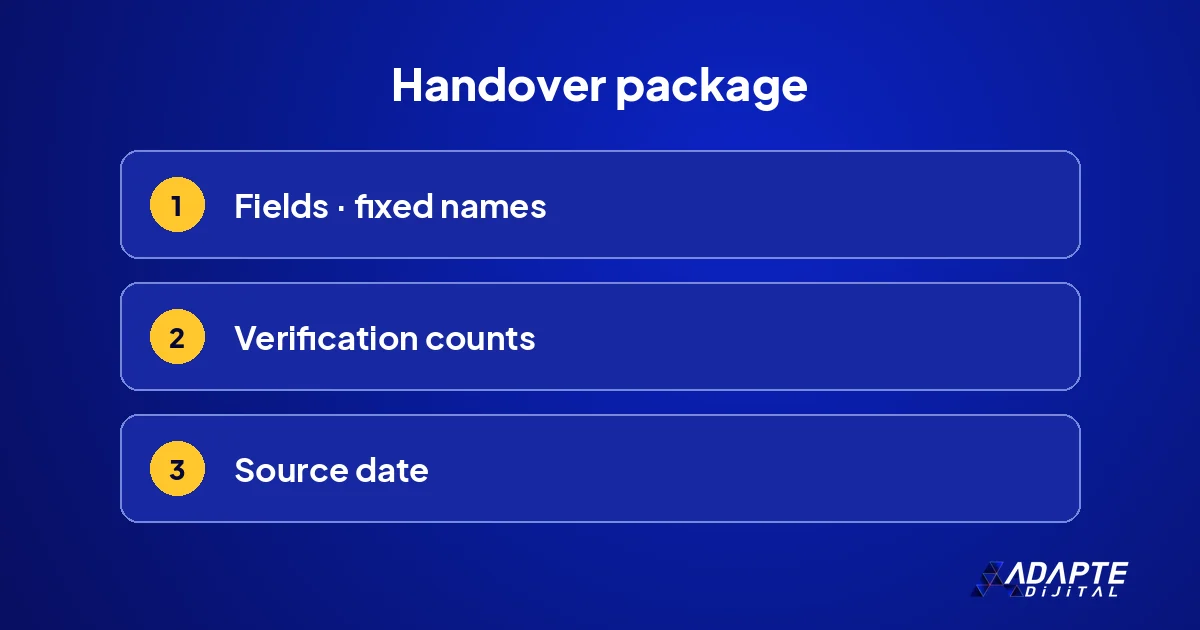
- Fields
- Verification counts
- Source date
In our line every article passes to the next desk in the same package. The package has three parts, and each protects against a different kind of mistake.
Fields
Slug, title, category, content, search title and description, image paths, language and translation pair. Each field’s name and format are fixed. Without a required field the package is not built; even a field that should be empty is written as empty explicitly. The field list is kept short, because unnecessary fields slow handover down without adding safety. 📋 These fields mirror the ones described in how an agent content line works.
Verification counts
Each package records the word count, heading counts, internal and external link counts and title length. The receiving desk counts them itself; if they do not match, it sends the package back immediately. Counting twice is the cheapest insurance a handover can have, and it catches far more than it costs.
Source date
If the package updates an existing article, it records which dated snapshot it was produced from. This line was added to stop manual edits made in between from being overwritten. A package without a source date does not pass the measuring desk. The reason is explained under the problems below. 📅
What happens when a package cannot pass a gate?
BU BÖLÜMÜN ÖZETİ
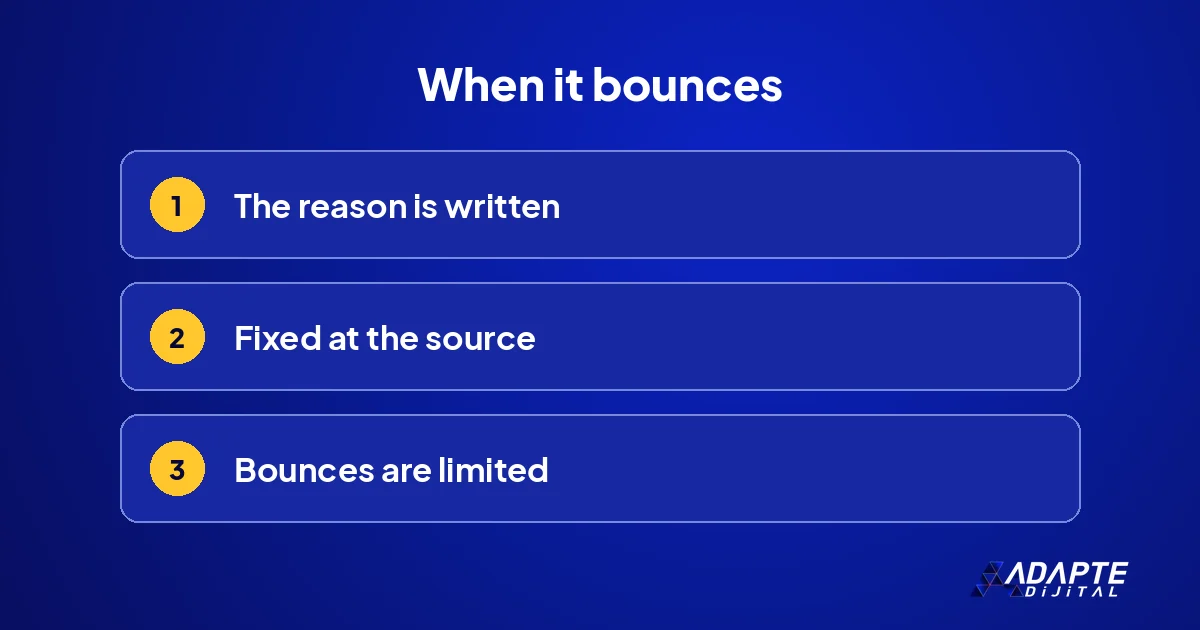
- The reason is written
- The fix happens at the source
- Bounces are limited
A bounce is a normal part of handover. What matters is that the bounce is written down too, so it teaches the line something.
The reason is written
When a gate rejects a package, it states why: “link count is six, not five”, “description exceeds 155 characters”. A rejection without a reason brings the same error back. In recent weeks packages rejected this way were fixed on the first retry. Rejection reasons are collected in a list; the most frequent one is the first place to fix in the rules file. 🧾
The fix happens at the source
An error is fixed at the desk that produced it. The measuring desk does not edit the article; it sends it back to the writing desk. That way the fix lasts, and the same error does not appear in the next article. The rule behind each fixed error is added to the rules file, which is how a line gets better over time.
Bounces are limited
If a package bounces a set number of times, it lands in front of a person. An endless loop wastes both time and usage cost. If the limit is exceeded, the problem is in the rule, not at the desk. How we check outputs in general is covered in how to verify what AI produces. 🔄
Three real problems we hit at handover
BU BÖLÜMÜN ÖZETİ
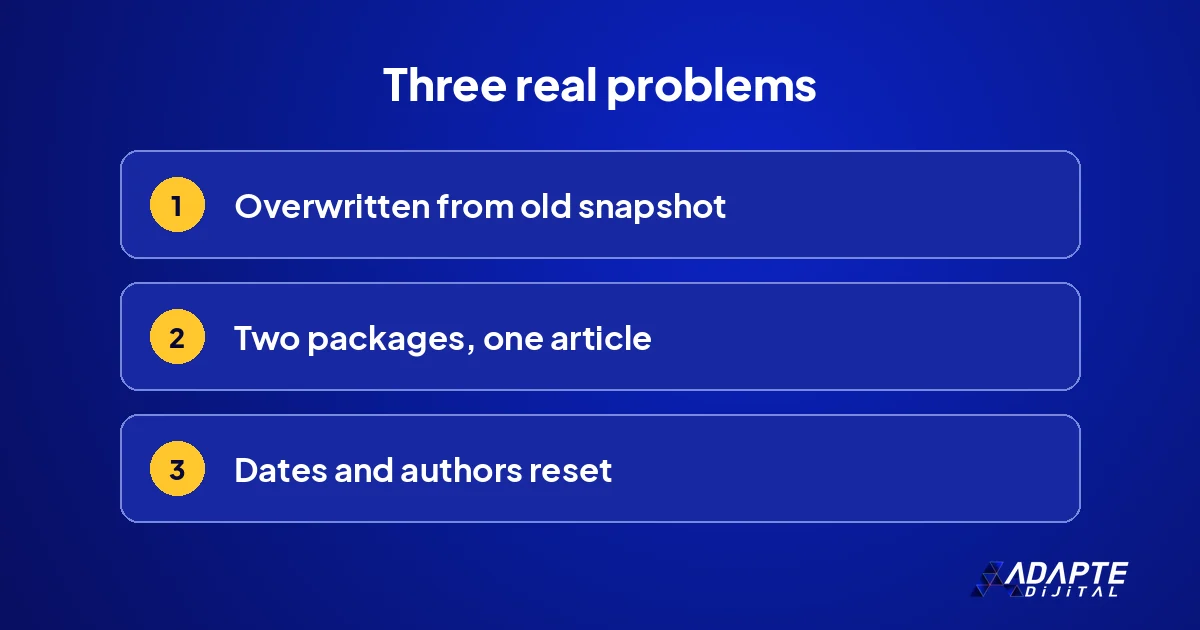
- Content overwritten from an old snapshot
- Two packages for the same article
- Dates and authors reset
All of the problems below happened in our own line, and each added a line to our handover rules.
Content overwritten from an old snapshot
An update package was produced from a site snapshot a few days old. A manual correction made in between was lost when the package was loaded. Since then every update package records its source snapshot date, and before loading we ask whether anything was edited by hand after that date. The problem cost us a small correction; the lesson was large. 🧯
Two packages for the same article
Two different packages sent the full content of the same article; the second one loaded erased links the first had added. The fix was to build the second package on top of the first. The lesson: packages that send full content overwrite each other, so packages touching the same article are put in sequence and are no longer prepared on the same day.
Dates and authors reset
The import tool reset the publication date and author on update. Original date and author became required fields in every update package, and the tool’s behaviour was noted for a fix in a later version. How the desks fit together is described in the org chart of an agent team. 📌
How do you write a handover for your own work?
A handover definition is a few lines. It only has to answer three questions; the format comes second.
How does Adapte Digital set up handover for clients?
BU BÖLÜMÜN ÖZETİ
- A single delivery package
- The definition that is delivered
- Where to start
We adapt the handover package we use in our own line to the client’s work.
A single delivery package
Adapte Digital does not charge a monthly management fee. Work starts with a single delivery package whose scope is written down in advance: 36,000 TRY + VAT. If the work grows, the new need is defined as a separate add-on package, priced by what will be delivered rather than by the hours spent. 📦
The definition that is delivered
The output of the work is the field list for each handover between desks, the conditions for bouncing and the bounce limit. We decide together which handover is written first, usually the one where errors appear most often today.
Where to start
Which packages are open, and at what price, is shown on our campaign pages, item by item. 🧭
One way to build a business on this knowledge is set out in our article on outsourced agent management.
Quick Summary
- Handover is the most fragile point of an agent team; an agent does not ask.
- The package carries fixed fields, verification counts and a source date.
- On a bounce the reason is written and the fix happens at the source.
- Packages sending full content overwrite each other; they are sequenced.
- A handover definition answers three questions: what, under what condition, how often.
Short Glossary
- Handover package
- The fixed-format information a desk uses to pass work to the next.
- Verification count
- A measure written in the package and recounted by the receiving desk.
- Source snapshot date
- The date of the content copy an update package was produced from.
Frequently Asked Questions
Next Step
In one job you run with agents, write down the delivery between two desks: which fields, under what condition it bounces, how many times.
Sources: DeepLearning.AI — Hermes Agent Challenges OpenClaw · Five Minute AI Brief — Open Source Agentic AI: A Practical Brief
Updated: November 2026
Sık Sorulan Sorular
The fields and format of what is delivered are written down. Not “a report”, but “this five-column table, in this file type”. The package is defined by what the receiving desk needs. The more concrete the definition, the fewer problems the handover causes, and the easier it is for someone new to take it over. 📝
The conditions for rejecting the package are listed: a missing field, a count that does not match, a forbidden phrase. The list should be short and countable; a condition that needs interpretation opens the gate to argument. How permissions are limited is covered in agent permissions and approval gates.
The bounce limit is written down, along with who receives the job when the limit is exceeded. Unlimited bouncing is a hidden cost; a limit carries the problem to a person in time. The job’s owner decides what the limit is, and the decision is recorded in the rules page. ⏳
No. A spreadsheet with fixed columns or an orderly file is enough. What matters is that fields and format do not change.
The nature of the job decides; for most jobs two or three bounces are enough. Beyond the limit, the job goes to a person.
Record the source date in the update package and, before loading, check whether anything was edited by hand after that date.