
Agent Permissions and Approval Gates: What Is Allowed in Our Own System, and What Is Not?
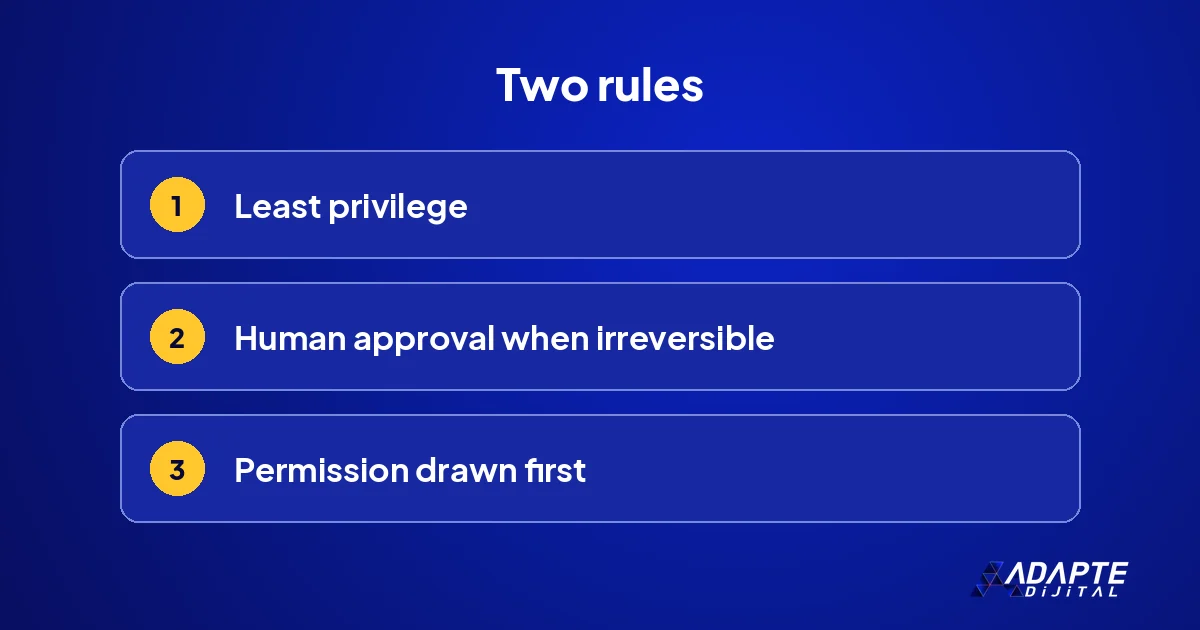
Agent permissions and approval gates are the two rules that decide how safe an agent system is: what can the agent reach, and before which step must a person say “yes”? In agent systems the most expensive mistakes come not from a lack of ability but from wider permission than the job needs. The likelihood of an error may be the same; its cost grows with the permission. 🔐
In this lab report we describe what agents cannot touch in our own content and website system, where the approval gates stand and how the licence gate in our plugin family works. At the end we summarise how to draw up a permission table for your own work, which takes an afternoon and saves a great deal of worry.
Why are permission limits drawn before work starts?
BU BÖLÜMÜN ÖZETİ
- Wide permission, wide errors
- Read, write and delete are separate
- Security reports are a warning
When permission is narrowed afterwards, every narrowing breaks something. Starting narrow and widening when needed is both safer and cheaper.
Wide permission, wide errors
An agent that reaches everything can affect everything when it makes a mistake. A narrowly permitted agent’s errors stay within its area. Even if the chance of an error is the same, the cost of the error grows with the width of the permission. Starting narrow brings a little slowness in the first days but builds trust quickly. 💥
Read, write and delete are separate
Reading information, changing it and deleting it are three separate permissions. For most agent jobs reading is enough; writing is limited to a narrow area; deleting is almost never granted. For example, an agent that compiles reports reads the data but cannot change the source table. This three-way split is the basis of any permission table.
Security reports are a warning
Security flaws were reported in open-source agent frameworks during 2026. Security lists prepared for AI applications also name excessive permission as one of the leading risks. That is why permission has to be thought through before installation, not after the first incident has shown where the gaps were. 🛡️
Where can agents not go in our system?
BU BÖLÜMÜN ÖZETİ
- They cannot write to the live site directly
- They cannot publish
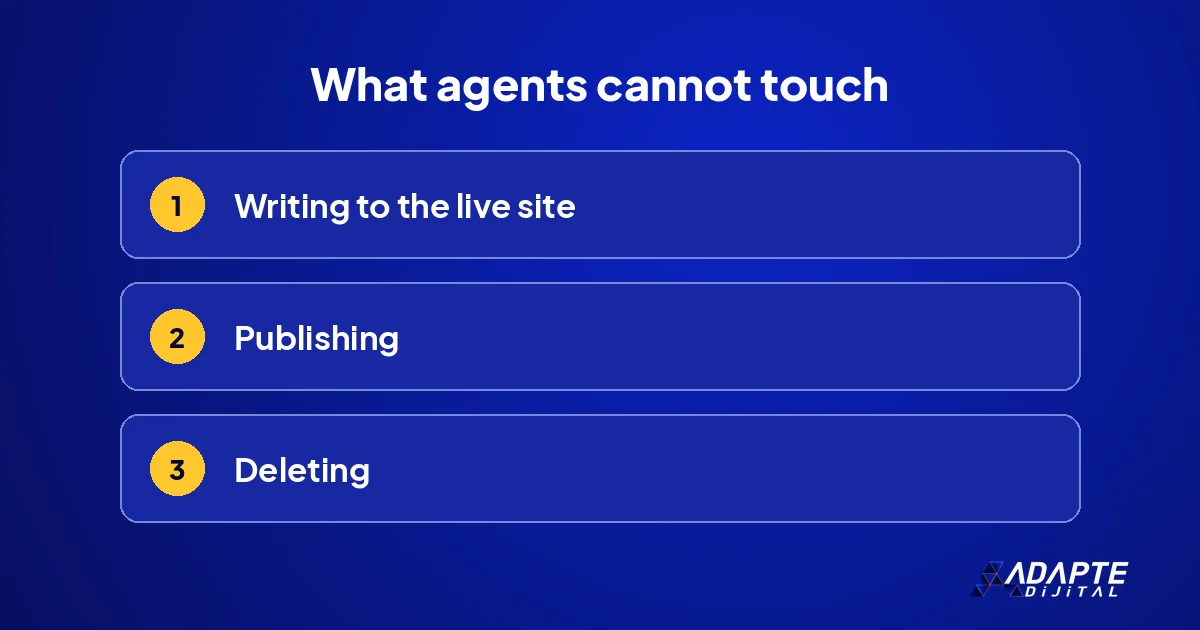
- They cannot delete
In our line, agents prepare and measure content; they do not touch the live site. Three limits guarantee that, and each costs us a little speed in exchange for a lot of safety.
They cannot write to the live site directly
Everything an agent produces is written to a file, the package. The person who loads the package into the site is a human. Agents have no access to the site’s admin panel; if they did, an error could go straight into publication. The limit slows the line slightly, but that slowness is small next to the cost of an error on a live page. 🚧
They cannot publish
When a package enters the site, every article is a draft. Only a person can publish a draft, and a person also decides the order. The status field in our packages is always draft; the measuring desk accepts no other value, so a mistake here cannot slip through by accident.
They cannot delete
Nothing is deleted in our system. An unnecessary page is removed from the index or permanently redirected to another address. Deleting is irreversible and breaks links, so it is nobody’s first choice, agent or human. Redirecting and de-indexing can both be undone, which is exactly why we prefer them. 🗑️
Where are the approval gates?
BU BÖLÜMÜN ÖZETİ
- Rehearsal
- Draft review
- The publish button
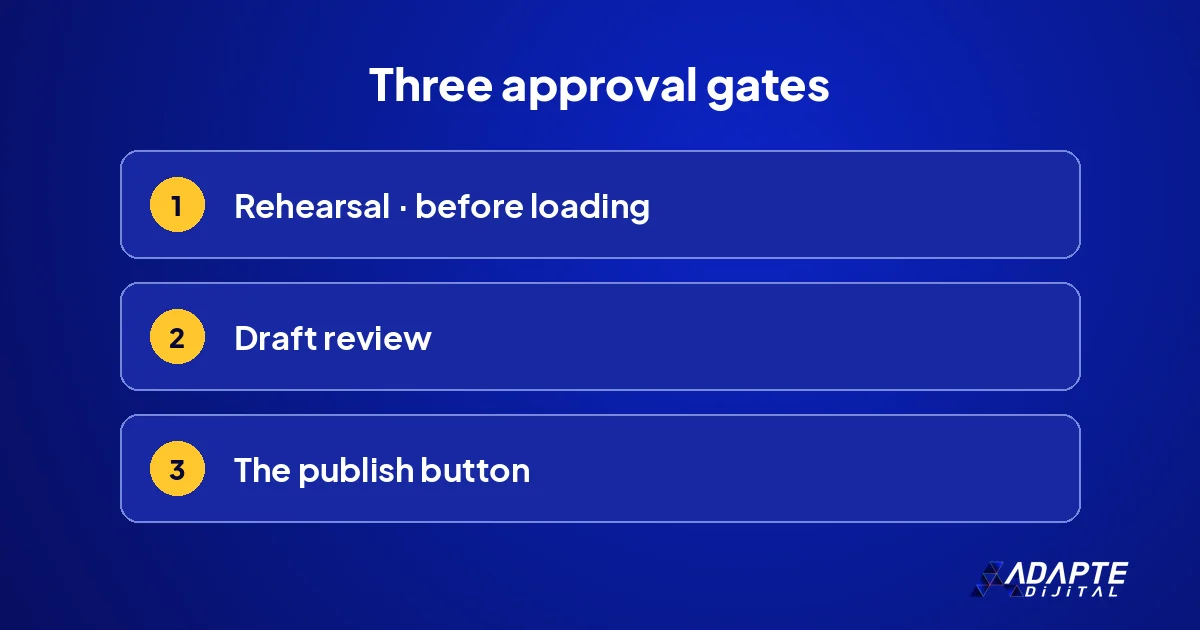
The agent prepares; a person approves. Our setup has three approval gates, and each covers a different risk.
Rehearsal
Before a package is loaded, the import tool runs in rehearsal mode: how many records will be created, how many updated, all listed. If an unexpected line appears, loading stops and the package is produced again rather than edited by hand. Rehearsal shows the error before it reaches the live site. 🔍
Draft review
A few of the loaded articles are opened and checked by eye: are the images, links and frequently asked questions in place? Sampling is faster than reading every article one by one, yet enough to catch systematic errors. The sampled articles are chosen from different types in each package.
The publish button
The last gate is the publishing decision. Articles go live one by one, in an order a person chooses. The main article is published first and the supporting articles after, because the supporting articles link to it. That order stops links from pointing at pages that do not exist yet. 🔘
How does the licence gate work?
BU BÖLÜMÜN ÖZETİ
- The line-up is built around the site
- A closed gate means the module does not run
- Changes happen in one place
In our plugin family, a licence layer called PRIMUS decides which module runs on which site. It is the software equivalent of the permission idea.
The line-up is built around the site
For each site, a line-up list defines which modules are switched on. A small site may need two modules, while a large site runs them all. Unneeded modules are not left on; every module that is switched on is a permission. The line-up list is kept separately for each site, and its changes are recorded. 🗂️
A closed gate means the module does not run
A module that is not enabled in the line-up does not run even if it is installed, and the panel says so clearly. No module runs silently or stops silently. Visible status prevents wrong assumptions, and the question of why a module is not working is answered in minutes.
Changes happen in one place
Switching a module on or off happens in one place and leaves a record. It is clear who turned what on, and when. We describe the whole structure in the AINEO architecture. Data access deserves separate thought; see AI and data security. 📒
How do you draw up a permission table for your own work?
BU BÖLÜMÜN ÖZETİ
- Rows: people and agents
- Columns: read, write, delete
- A review calendar
A permission table is a simple sheet. It takes an afternoon to prepare and a few reviews a year to keep current.
Rows: people and agents
Everyone who does the work is written in the rows: employees, outside providers and every agent. An agent is a row too; a general row called “the system” is not allowed. When people and agents sit in the same table, nobody is left with access that has been overlooked, and the first fill-in usually reveals several. 👥
Columns: read, write, delete
For each system, three columns are opened: can read, can change, can delete. Cells are filled with yes or no. In agent rows the delete column is almost always no. How handovers are written is covered in handover between agents, and what should never be handed to an agent in what you should never delegate to AI.
A review calendar
The table is opened once a quarter; permission unused for three months is closed. If the table is not current, the protection is not current either. The review date is written at the top of the table, and the reviewer notes changes so the next review starts from that note. 📅
How does Adapte Digital set up permissions for clients?
BU BÖLÜMÜN ÖZETİ
- A single delivery package
- The table that is delivered
- Where to start
We redraw the limits we apply in our own system around the client’s work.
A single delivery package
Adapte Digital does not charge a monthly management fee. Work starts with a single delivery package whose scope is written down in advance: 36,000 TRY + VAT. If the work grows, the new need is defined as a separate add-on package, priced by what will be delivered rather than by the hours spent. 📦
The table that is delivered
The output of the work is the business’s permission table, the list of approval gates and a review calendar. We decide together which system to start with, usually the one closest to customers or money.
Where to start
The written scope of each package, with current pricing and capacity, is on our campaign pages. 🧭
Thinking of building a business in this area? Our article on agent security hardening looks at that door separately.
Quick Summary
- Permission is drawn narrow before work starts and widened when needed.
- Read, write and delete are separate; delete is almost never granted.
- In our system agents cannot write to the live site, publish or delete.
- Rehearsal, draft review and the publish button are three approval gates.
- The permission table is reviewed once a quarter.
Short Glossary
- Least privilege
- Giving a person or agent only the access their job needs.
- Approval gate
- The point where human approval is required before an irreversible action.
- Rehearsal mode
- A way of running an import that shows its result without changing the site.
Frequently Asked Questions
Next Step
List every system your agent can reach and write read, write and delete beside each; close what is not needed this week.
Sources: WordPress Documentation — Roles and Capabilities · OWASP — Top 10 for Large Language Model Applications
Updated: November 2026
Sık Sorulan Sorular
In the short term, yes, but it magnifies the damage of the first error. Starting narrow and widening as needed is safer.
Publishing, sending messages to customers, paying and deleting. These steps cannot be undone; the agent prepares, a person approves.
The person responsible for security in the business; in a small business usually the owner. The table should have one owner.