
AI Cost Management: A Guide to Reading, Measuring and Shrinking the Bill
AI cost management is the habit of knowing what your company pays for artificial intelligence, why it pays it and what it gets back. It is not a savings campaign. It is the difference between a bill you read and a bill you merely receive. 🧾
Most businesses meet the AI bill in pieces: a subscription on one card, a pay-as-you-go account on another, an automation platform somewhere else. This guide puts those pieces on one page. It explains what the bill is made of, which levers shrink it, how spend is measured and who should look at it.
The guide opens the Bill File, the first of our black box files. Every article in the file ends with a receipt: three lines you can fill in today. We do not quote prices in this article; they vary by provider and model. For the current figure, check your provider’s pricing page.
What is AI cost management?
It is a small routine, not a department. It answers three questions every month: what did we spend, on which work, and was it worth it?
What is the bill made of?
BU BÖLÜMÜN ÖZETİ
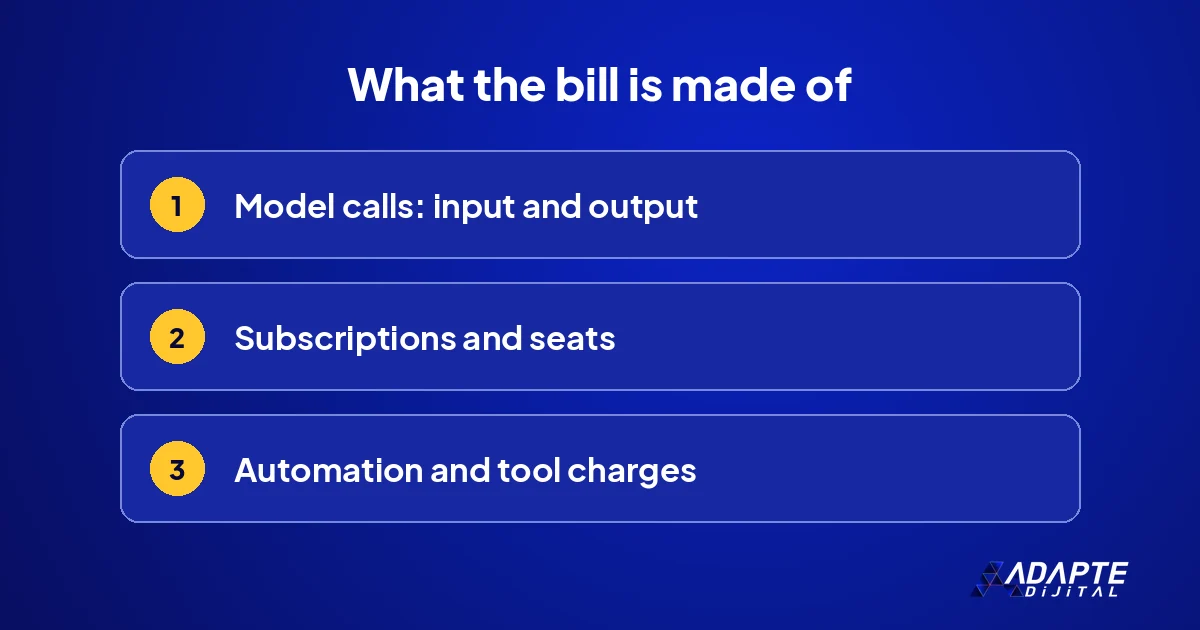
- Model calls: input and output
- Subscriptions and seats
- Automation and tool charges
Three kinds of charge arrive under the same heading. They behave differently and are managed differently.
Model calls: input and output
Every call to a model has two sides. Input is everything you send: the instruction, the documents, the earlier conversation and the definitions of any tools. Output is what the model writes back. The two are priced separately, and output costs more; in Anthropic’s published pricing, output tokens are billed at five times the input rate. Two details surprise people. Tool definitions and automatic system prompts count as input even though nobody typed them. And in a conversation, the whole history is sent again with every new message. The visible question is often the smallest part of what is billed. Reading that breakdown is the subject of how to read an AI usage dashboard. 🔍
Subscriptions and seats
The second kind of charge is fixed: a monthly fee per person for a chat product or an AI feature inside existing software. It does not depend on use, which is its strength and its weakness. A seat used every day is cheap. A seat nobody has opened since the trial is pure cost, and it renews without asking. Subscriptions also multiply quietly, because buying one takes a minute and a personal card. The question for a seat is not what it costs but whether it was used. Seats are counted, not optimised: list them, check the last login and close the idle ones. Twice a year is enough.
Automation and tool charges
The third kind hides around the model. Automation platforms charge per run or per task. Some provider-side tools, such as web search or code execution, are billed on top of the tokens they consume. Options such as faster output or data residency carry their own multipliers; Anthropic lists a 1.1 multiplier for US-only inference on its newest models. Each is small alone. Together they explain why the total is larger than the token arithmetic suggests. A bill is the sum of every invoice the workflow touches. A cost review that looks only at the model line will always come out too low. 🧩
Which levers shrink the bill?
BU BÖLÜMÜN ÖZETİ
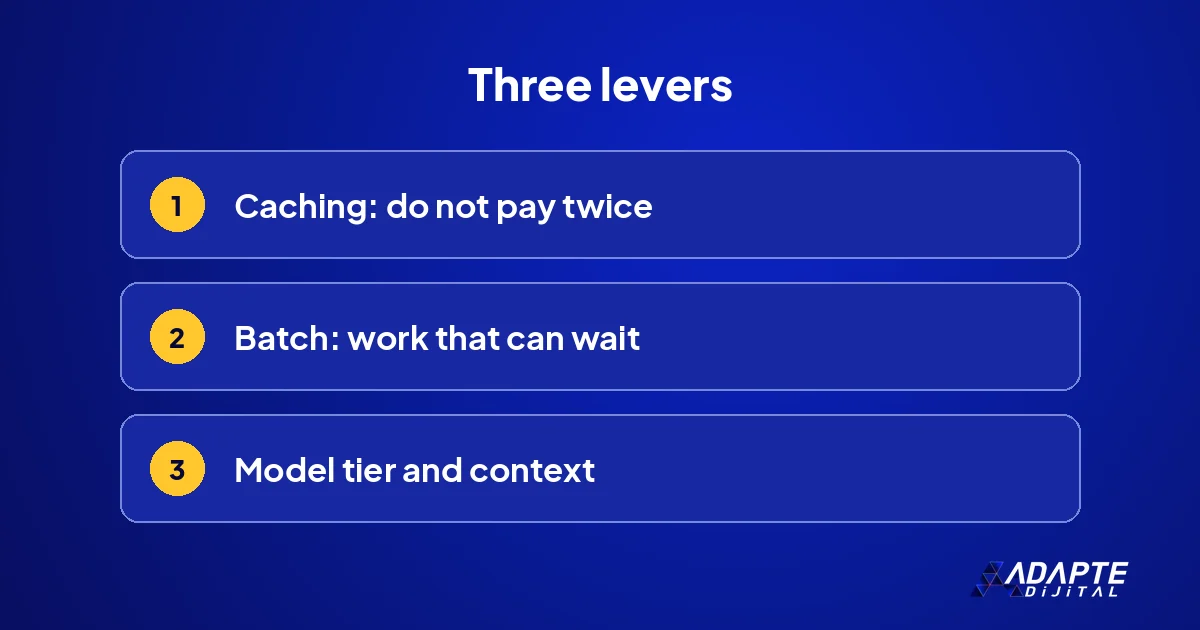
- Caching: not paying twice for the same instruction
- Batch processing: work that is in no hurry
- Model tier and context
Providers publish three large discounts and one large choice. None requires a new tool. All require someone to switch them on.
Caching: not paying twice for the same instruction
Most workflows send the same long opening with every call: the role, the rules, the product catalogue. Prompt caching lets the provider store that opening and charge a fraction to read it again. In Anthropic’s documentation a cache read is billed at 0.1 times the base input price, while writing the cache costs 1.25 times for a five-minute lifetime. OpenAI applies caching automatically to prompts of 1,024 tokens or more. The condition is strict: the stored part must match exactly. A date or a customer name at the top of the prompt breaks it silently. The mechanics are in what is prompt caching. ♻️
Batch processing: work that is in no hurry
Not every job needs an answer in seconds. Product descriptions for next week, last month’s reviews to classify, a backlog of documents to summarise: all can wait a few hours. Batch processing sends such work as one file and returns the results later. Both Anthropic and OpenAI price it at 50 per cent of the standard rate. Anthropic says most batches finish within an hour and sets a 24-hour limit. The discount is paid for with time, not with quality. The same model does the same work. The only question is which of your jobs can wait, and we answer it in what is batch processing. ⏳
Model tier and context
The largest lever is the choice of model. Providers sell families: a small, fast model, a balanced one and a large one, with wide price gaps between them. Many workflows run on the largest by default, because it was the one used in the first test. Sorting, tagging, extracting and short replies rarely need it. The second half of this lever is context: how much text travels with each call. A whole manual attached to every question is paid for every time. Smaller model, shorter context, same result: that is the test. How to run it without losing quality is in how to choose an AI model tier. 🎚️
How is spend measured?
BU BÖLÜMÜN ÖZETİ
- The one honest measure: cost per task
- The spend sheet
- Reading the dashboard
A total says how much left the account. It does not say whether that was good or bad. Three instruments turn the total into a decision.
The one honest measure: cost per task
A monthly total cannot be judged. It rises when the business grows and when something is broken, and it looks the same in both cases. Divide the cost of a workflow by the number of finished jobs it produced and the picture changes: an answered customer question, a published product page, a processed invoice. That number can be compared with last month, with the cost of a person doing the same job and with what the job earns. If the total rises while cost per task falls, you are growing. If both rise, something is leaking. The full method is in what is cost per task. 🎯
The spend sheet
Dashboards show one provider. Invoices show one card. Nothing shows everything unless you build it, and a spreadsheet is enough. One row per workflow and one per subscription; columns for owner, provider, monthly amount, jobs produced and a note. Filling it the first time takes an afternoon, mostly spent finding invoices. Updating it takes half an hour a month. The sheet’s first gift is usually a surprise: a tool nobody remembers buying, or one workflow that costs more than all the others together. We give the columns and the first-month routine in how to build an AI spend sheet. No software purchase is needed.
Reading the dashboard
Every provider gives pay-as-you-go accounts a usage page. Four lines on it matter: input, output, cache writes and cache reads. Heavy input points to long context or attached documents. Heavy output points to answers longer than anyone reads. Cache reads at zero mean caching is either off or broken. Five minutes a week on those four lines catches most problems while they are still small. The dashboard also holds the two settings that turn a bad night into a known amount: a spending alert and a monthly limit. Both are free, and both are switched off on many accounts. 📊
Who looks, and when?
BU BÖLÜMÜN ÖZETİ
- The monthly rhythm
- How companies took ownership
- Receipt: three lines for this month
Cost management fails for one reason more than any other: nobody was asked to look. A light rhythm fixes that.
The monthly rhythm
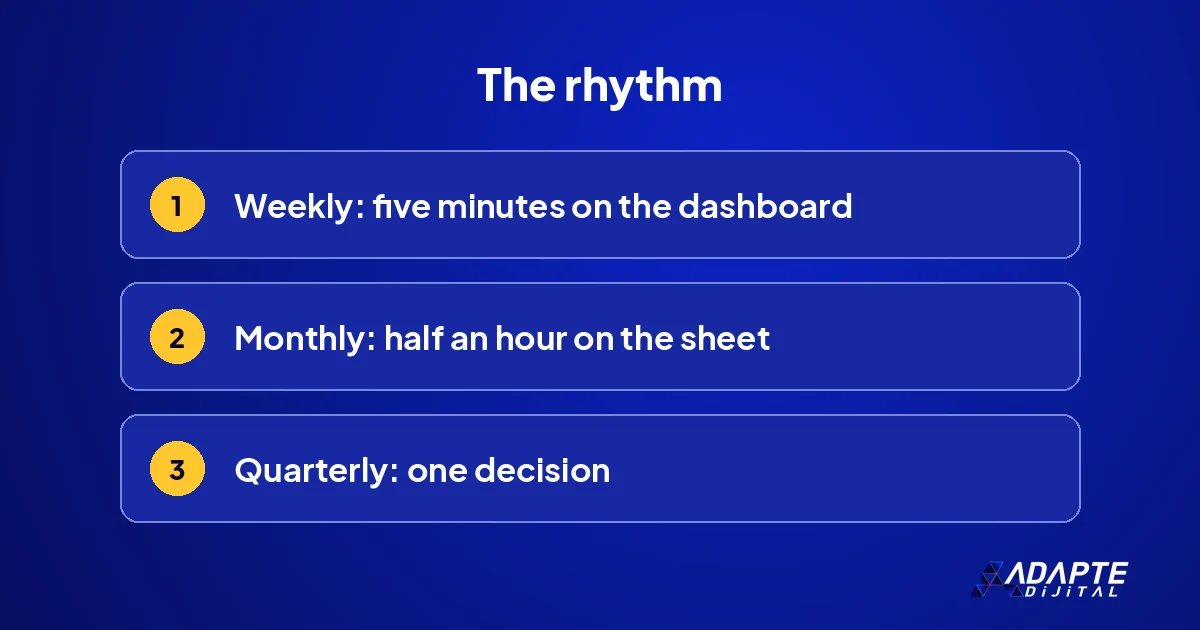
Three appointments are enough. Weekly, five minutes on the dashboard: did any line jump? Monthly, half an hour on the sheet: update amounts, recompute cost per task for the main workflows, write one note on what changed. Quarterly, one decision: a model to downgrade, a job to move to batch, a seat to close. One decision per quarter, actually carried out, beats a long list. The rhythm matters more than the depth. A business that looks briefly and regularly knows its bill better than one that commissions a thorough review once and then forgets it. Put the three slots in a calendar today. 🗓️
How companies took ownership
The pattern in larger organisations is worth copying in miniature. According to the State of FinOps 2026 findings, 78 per cent of cost teams now report to the technology or information chief, and 58 per cent name AI cost management as the skill they most need to add. The same report describes a move to act earlier: estimating cost before a workflow is built instead of reading the invoice after. For a small business the translation is simple. Before a new automation goes live, write one line: what will one run cost, and how many runs do we expect? That line is the whole discipline at small scale.
Receipt: three lines for this month
Every article in this file ends with a receipt. This one has three lines. One: what did you pay for AI last month in total, across every card and account? Two: which single workflow or subscription was the largest part of it? Three: who in your company is named as the person who looks at this? If you cannot fill a line, that line is your first task. Forecast: within two years, most businesses that use AI daily will keep a named owner and a monthly review for this spend, as they do for advertising. Update log. 29 November 2026: first publication. Forecasts on this page are re-read when they fall due; one that proves wrong is corrected here, not deleted.
How does Adapte Digital review the bill?
BU BÖLÜMÜN ÖZETİ
- A single delivery package
- What is reviewed
- Where to start
The Bill File is the first part of our AI audit: every payment is gathered, split by workflow and compared with the work it produced.
A single delivery package
Adapte Digital does not charge a monthly management fee. Work starts with a single delivery package whose scope is written down in advance: 36,000 TRY + VAT. If the work grows, the new need is defined as a separate add-on package, priced by what will be delivered rather than by the hours spent. 📦
What is reviewed
Invoices, dashboard exports and the list of subscriptions are brought into one sheet; cost per task is computed for the main workflows and the unused discounts are listed with the setting that switches each one on.
Where to start
Our current packages and capacity are listed on our campaign pages; scope and price are written there before any work starts. 🧭
Quick Summary
- The AI bill follows the amount of text processed, not the number of people.
- It has three parts: model calls, subscriptions and the tools around them.
- Caching, batch processing and model tier are the main levers.
- Cost per task is the measure that turns a total into a decision.
- One named owner and a light monthly rhythm keep the bill readable.
Short Glossary
- Token
- A token is the unit AI models use to count the text they read and write, and the unit most providers bill by.
- Cost per task
- Cost per task is the amount a workflow spends to produce one finished job, found by dividing its bill by its output.
- Seat
- A seat is one person’s paid place in a subscription product, charged whether or not it is used.
Frequently Asked Questions
Next Step
Open your provider dashboard and your card statements, and write one number on paper: last month’s total for AI. That number is the first row of your spend sheet.
Sources: Claude Docs — Pricing · Claude Docs — Prompt caching · Claude Docs — Batch processing · USU — 6 FinOps Takeaways from the State of FinOps Report 2026
Updated: November 2026
Sık Sorulan Sorular
A software licence costs the same in March as in February. A pay-as-you-go AI account does not. It charges for every piece of text that goes into the model and every piece that comes out, counted in tokens. More customers asking questions, longer documents, a new automation or a single badly built flow all move the total. The bill is a record of behaviour, not a price list. That is why two companies of the same size, using the same provider, can pay amounts that differ many times over. The difference is rarely the price. It is almost always in how the work was set up, and nobody looked at that. 📈
It covers four things. The first is visibility: every AI payment in one table, whatever card it left from. The second is attribution: which workflow or which person caused which part of the total. The third is optimisation: using the discounts and settings providers already offer. The fourth is value: comparing what a workflow costs with what it produces. Most businesses jump straight to the third and skip the first two. Cutting a bill you cannot yet read tends to cut the wrong thing. This guide follows the four in order, and each one has its own article in the file. Order matters more than effort here.
In a large company it now has a name. The FinOps Foundation’s 2026 survey found that 98 per cent of cost management teams manage AI spend, up from 31 per cent two years earlier. In a small business nobody has that title, and nobody needs it. What is needed is one named person who opens the usage dashboard once a week and the spend sheet once a month. A bill with no owner grows quietly. The owner does not have to be technical. They need access, half an hour a month and the right to ask why a number moved. How larger organisations arranged this is in how companies manage AI spend. 👤
It needs the small version: one sheet, one owner, half an hour a month. The order costs less than a single forgotten subscription.
Usually the model tier, because the price gap between tiers is the widest. Caching comes next where the same long instruction is sent with every call.
It should not. Each lever in this guide is tested on your own examples first; if quality drops, the change is reversed.