
Preparing a WooCommerce Store for Agent Commerce: What You Can Do Before Official Support
Preparing a WooCommerce store for agent commerce means getting product data, feeds and stock handling into a state agents can read, before official protocol support arrives. As of 4 November 2026, WooCommerce’s official page lists UCP and ACP support as “coming soon”. ⏳
This article covers where WooCommerce stands today, the data work to do first, channel connections, stock and price synchronisation and how to test your readiness. The information was compiled on 12 November 2026 from WooCommerce’s official pages and the WordPress plugin directory.
Where does WooCommerce stand today?
BU BÖLÜMÜN ÖZETİ
- Official status: coming soon
- The Stripe route and the WooPayments note
- Third-party plugins
Because WooCommerce is open source and grows through plugins, its position in agent commerce cannot be summed up in one sentence. Three layers need to be looked at separately.
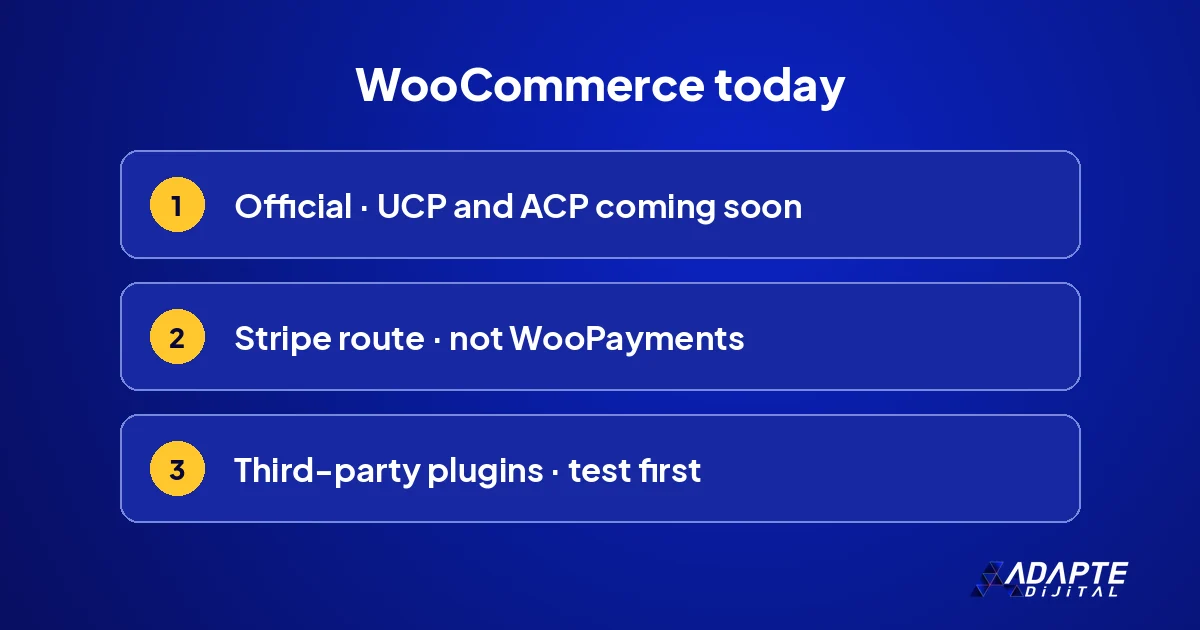
Official status: coming soon
WooCommerce’s agent commerce page lists Google’s UCP, and ACP via Stripe, as “coming soon”; according to the same page, the Abilities API is live and the MCP integration is in beta. Official protocol support has not opened to general use yet. A blog post from August 2026 also said the UCP side was still being built. The platform’s broader strengths are discussed in why use WooCommerce for e-commerce. 🧭
The Stripe route and the WooPayments note
In December 2025, WooCommerce was among the launch partners of Stripe’s agentic commerce suite. According to WooCommerce’s August post, this route runs through the Stripe extension, and some agent features are on a waitlist. Stores using WooPayments cannot use this route yet. The choice of payment setup is therefore part of preparation, and it is worth checking before committing to a change.
Third-party plugins
Third-party plugins that create UCP and ACP endpoints, discovery files and agent feeds have appeared in the WordPress plugin directory. They are not official, and each offers a different scope. Testing in a staging environment before installing on a live store is essential. A plugin works only as well as the data behind it, and an endpoint that exposes messy data simply spreads the mess faster. 🧪
The data layer first
BU BÖLÜMÜN ÖZETİ
- Identity fields
- Attaching shipping and returns to the product
- Structured data
Whatever the protocol, the first job in WooCommerce is to complete the product record. This work is independent of any plugin.
Identity fields
Recent versions of WooCommerce include a dedicated field for GTIN, UPC, EAN or ISBN on the product edit screen. For variable products, this field should be filled in for each variant separately. An empty identity field is the most common gap in agent commerce. Which fields matter, and why, is covered in the product data agents read, along with how agents use them to match products across stores. 🏷️
Attaching shipping and returns to the product
WooCommerce defines shipping zones and shipping classes, but whether that information reaches the feed and structured data needs checking separately. Return conditions should also sit in the product data, not only on a policy page. Shipping and return information tied to the product record lets an agent answer delivery and return questions. Without it, the agent has to guess, and agents rarely guess in the store’s favour.
Structured data
WooCommerce outputs basic product markup on product pages, and SEO plugins extend it. Check with a testing tool that shipping details, the return policy and variant information appear correctly in the markup. Two plugins outputting the same markup twice also creates contradictions; choose a single source. A clean, single block of markup is easier for agents to trust than two overlapping ones. 🧩
Channel connections
BU BÖLÜMÜN ÖZETİ
- Google for WooCommerce
- Feed plugins
- Marketplace integrations
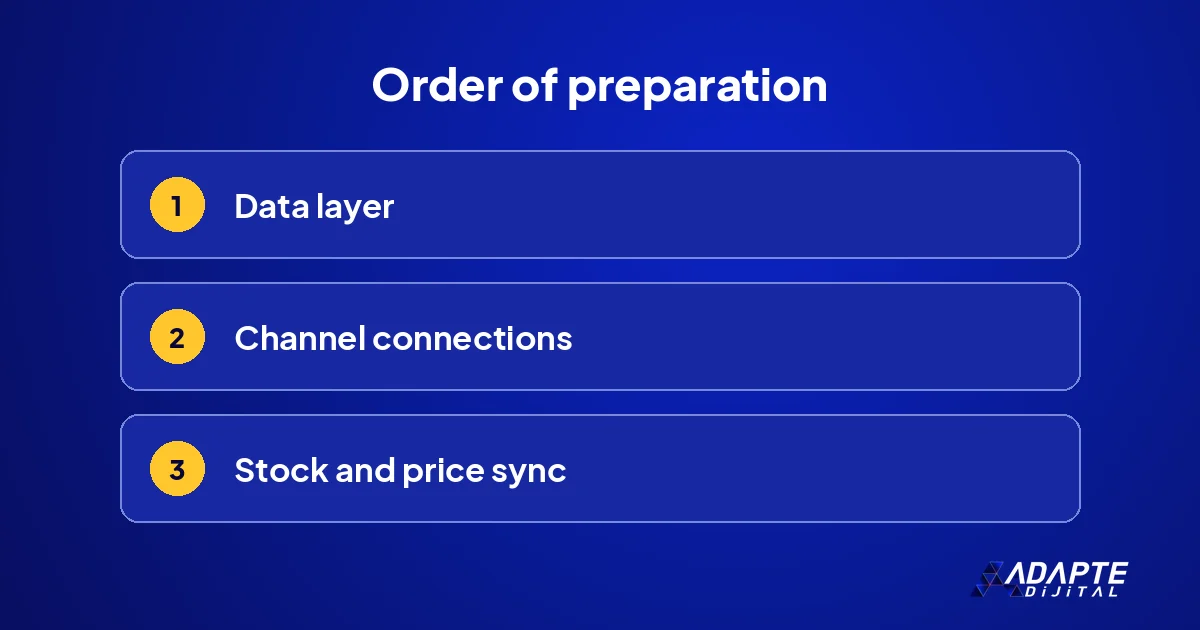
Once the data is ready, it is carried to the channels agents read. WooCommerce has several ready-made routes for this.
Google for WooCommerce
The Google for WooCommerce extension syncs the product catalogue to Merchant Center. According to WooCommerce, a clean Merchant Center feed is the groundwork for UCP and for appearing in Google’s AI shopping tools. Once the sync is set up, the errors and warnings in Merchant Center should be read regularly. A sync that runs without anyone reading its warnings slowly fills the feed with silent problems. 🔗
Feed plugins
Plugins that create separate feeds for different channels have started adding support for newer formats such as ACP. If more than one feed plugin is in use, check that they all draw on the same product fields. Each plugin applying its own title or price rules creates contradictions between channels. One set of rules, applied at the source, keeps every feed saying the same thing.
Marketplace integrations
Integrations that connect to marketplaces such as Trendyol or Hepsiburada can update stock and prices in both directions. An integration can overwrite corrected data with its old version or write a different price. Which system owns which field should be decided in writing. How these connections are usually set up is covered in connecting to marketplaces. 🔄
Stock and price synchronisation
BU BÖLÜMÜN ÖZETİ
- A single source
- Update frequency
- Campaign prices
An agent passes the stock and price in the data to the customer as a promise. In agent commerce, synchronisation is therefore not a technical detail but part of the customer relationship.
A single source
If stock is held separately in an ERP, warehouse software, a marketplace panel and WooCommerce, decide which one counts as correct. A single source of truth is chosen, and the others draw from it. Without that decision, every system believes it is right, and the customer finds out which one was wrong only after the order. This rule is the foundation of trust in agent commerce. 📦
Update frequency
If the feed is updated once a day, a product that sells out during the day still shows as in stock until evening. WooCommerce’s guide recommends replacing daily updates with near-real-time options. For fast-selling products, frequency matters even more. Start with the riskiest product group rather than the whole catalogue, and extend the faster schedule once it runs reliably.
Campaign prices
When scheduled discounts start and end, check that the feed updates at the same moment. In WooCommerce, sale dates can be set at product level; confirm that your feed plugin reads those dates. A finished campaign still running in the feed leads to a price shock at checkout. A quick check on the first and last day of every campaign catches most of these errors. ⏱️
Testing and monitoring
BU BÖLÜMÜN ÖZETİ
- Searching for your own products in assistants
- Technical verification
- Quarterly check
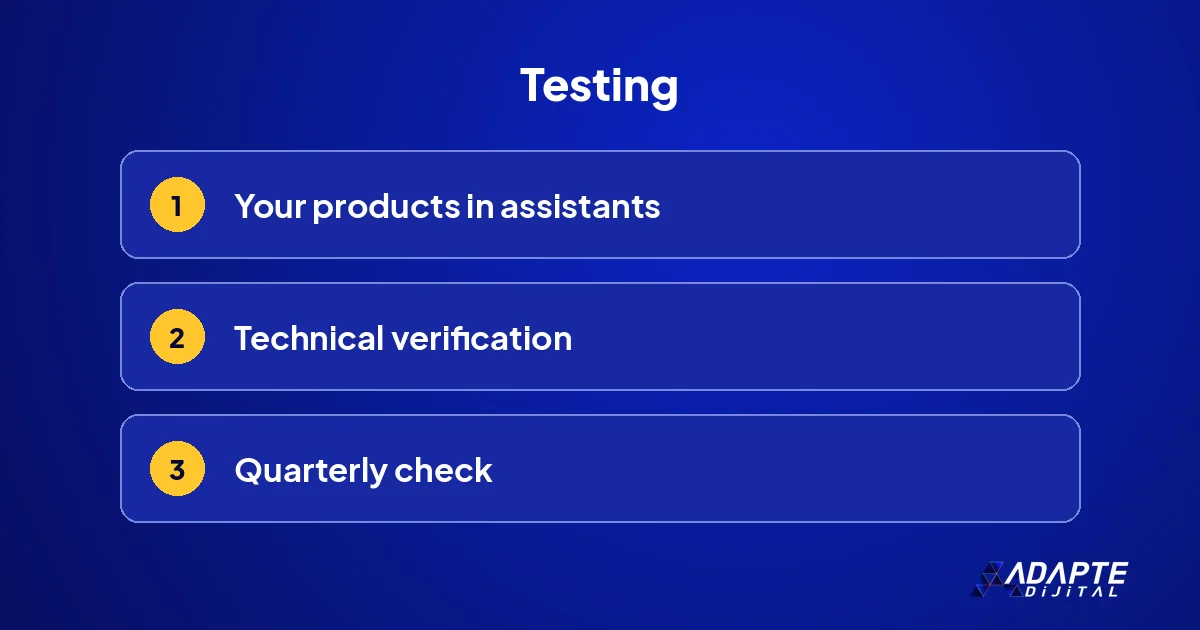
Preparation is not complete until it has been tested. Testing is done both technically and through the customer’s eyes.
Searching for your own products in assistants
WooCommerce’s guide recommends checking each quarter how products appear in ChatGPT, Gemini and Perplexity. Check both by product name and with the sentence a customer would use, such as “waterproof boots, size 42, arriving tomorrow”. Wrong prices, stale stock or missing information are noted and fixed. The same queries are repeated next quarter so progress can be compared. 🔎
Technical verification
The Merchant Center error report, a structured data testing tool and server logs are read together. Server logs can show which pages assistants and agents visit. Which bots can reach the site is checked alongside robots.txt and firewall settings; an agent blocked by mistake never sees the store at all. A short list of the agents you allow keeps this check quick.
Quarterly check
Each quarter, a short checklist is run: are identity fields filled, have feed errors fallen, are there stock gaps, and what do return reasons show? The result is kept as a note, so it can be compared with the next quarter. When official protocol support opens, these notes become the map for setting it up, and the store starts from a known state. 📋
What does Adapte Digital do for WooCommerce readiness?
BU BÖLÜMÜN ÖZETİ
- A single delivery package
- What is delivered
- Where to start
When preparing your WooCommerce store for agent commerce, we build order rather than a pile of plugins: data, feed and synchronisation rules are put in place and handed over to you.
A single delivery package
Adapte Digital does not charge a monthly management fee. Work starts with a single delivery package whose scope is written down in advance: 36,000 TRY + VAT. If the work grows, the new need is defined as a separate add-on package, priced by what will be delivered rather than by the hours spent. 📦
What is delivered
The output is completed product fields, a synced Merchant Center feed, field ownership rules and a quarterly checklist. If you are still choosing a platform, the trade-offs are discussed in Shopify, WooCommerce or a SaaS platform.
Where to start
The written scope of each package, with current pricing and capacity, is on our campaign pages. 🧭
If you see a business opportunity here, we wrote a separate article on building a WooCommerce agent plugin.
Quick Summary
- As of 4 November 2026, WooCommerce lists UCP and ACP support as coming soon.
- The Stripe route runs through the Stripe extension; stores on WooPayments cannot use it yet.
- The first job is the data layer: identity fields, shipping and returns on the product, structured data.
- Stock and prices should update from a single source, in near real time.
- Readiness is tested by searching in assistants, technical verification and a quarterly check.
Short Glossary
- Google for WooCommerce
- The official extension that syncs a WooCommerce product catalogue to Google Merchant Center.
- Abilities API
- An interface in WordPress that describes what a site and its plugins can do in a form machines can read.
- Field ownership
- A written rule stating in which system a product field is updated and from which it is distributed to other systems.
Frequently Asked Questions
Next Step
In your WooCommerce dashboard, check the GTIN field and variants of your ten best-selling products and list the empty ones. Our campaign pages list the delivery packages that cover this work.
Sources: WooCommerce — Make your store visible to AI agents · WooCommerce — From found to bought: Getting your store ready to sell through AI · Google Merchant Center Help — Product data specification
Updated: November 2026
Sık Sorulan Sorular
Official support is still listed as coming soon. Third-party plugins can open endpoints, but checkout on the Google side is US-focused and requires Merchant Center onboarding; for a store in Türkiye, data and feeds come first.
According to WooCommerce’s August 2026 post, the agent commerce route via Stripe currently runs through the Stripe extension. Follow official announcements before changing your payment setup, and focus on data preparation.
There is no single right plugin. Complete your product data first and connect Merchant Center through Google for WooCommerce; consider third-party agent plugins only after testing them in staging.