
Designing Forms for Agents: How to Build Forms an AI Agent Can Fill In Correctly
Designing forms for agents means arranging labels, field types and rules so an AI agent can understand a form, complete it fully and grasp the result. The good news: a good form for an agent is also a good form for a person. 📝
This article covers how an agent reads a form, how fields should be designed, preparing for WebMCP, balancing security and personal data, and how to test a form. The technical information was compiled from the HTML standard, accessibility guidelines and Chrome’s WebMCP documentation. On personal data matters, This article is for information only and is not legal advice; consult a lawyer about your own situation.
How does an agent read a form?
BU BÖLÜMÜN ÖZETİ
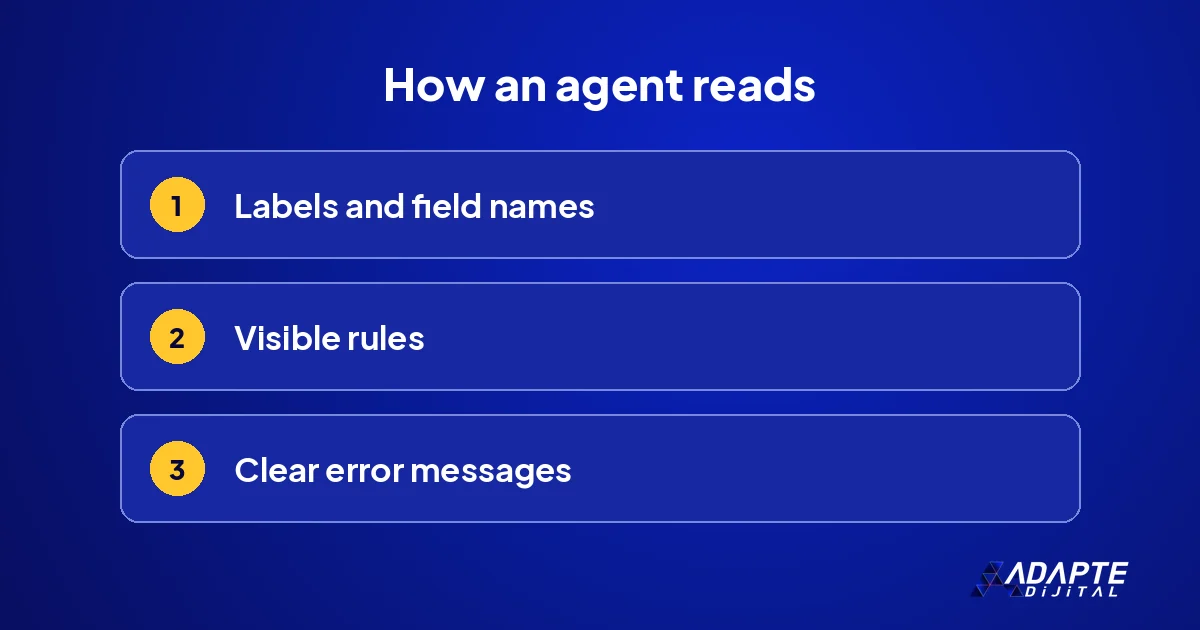
- Labels and field names
- Rules should be visible
- Error messages
A person understands a form by looking at it; an agent reads its structure. That difference decides what matters in form design. The principles below also overlap with accessibility guidelines.
Labels and field names
An agent understands what a field wants first from its label, then from the field’s name and its autocomplete attribute. Clear labels such as “Full name”, “Email” and “Phone” make the agent’s job easier. A field whose label lives only in placeholder text loses its meaning as soon as typing begins. Every field should have a visible label, connected to the field in the markup. 🏷️
Rules should be visible
Rules such as required fields, character limits, date formats or phone formats should be defined in HTML attributes and also stated in text. A form whose rules appear only after submission pushes the agent into trial and error. If the rule is known up front, the field is filled in correctly the first time, which also saves the human user frustration.
Error messages
When a field is filled in wrongly, the error message should say clearly which field is wrong and why, for example “The phone number must have 10 digits”. Saying “An error occurred” guides neither a person nor an agent. The error message should be linked to the relevant field programmatically, so assistive technology and agents can both find it. ⚠️
Field design
BU BÖLÜMÜN ÖZETİ
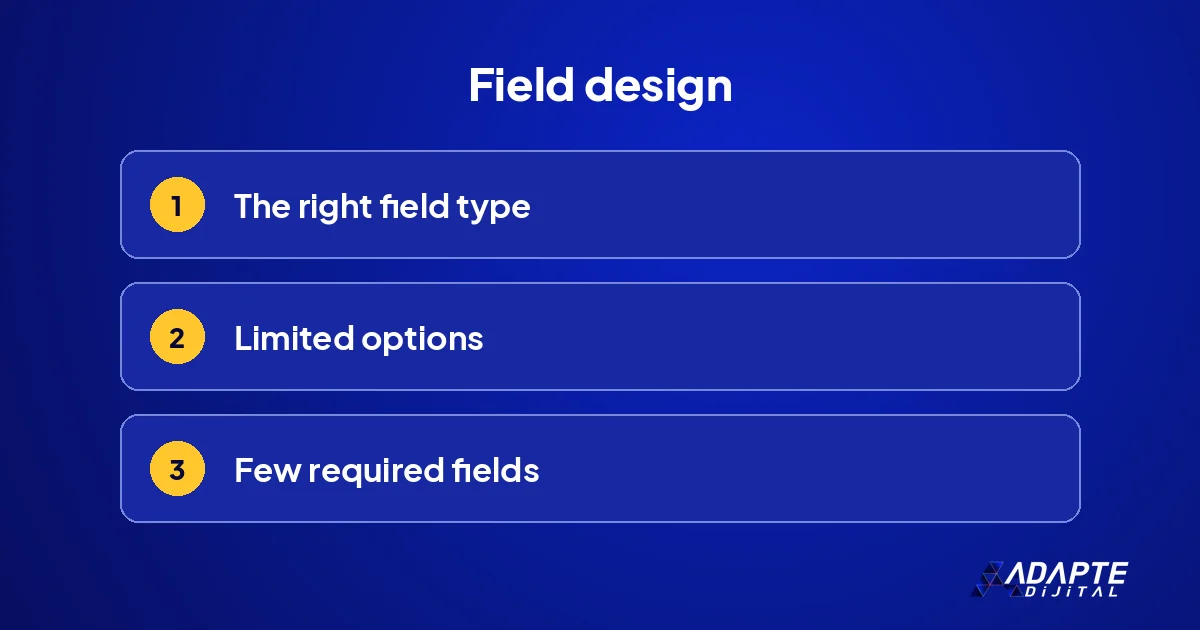
- The right field type
- Limiting options
- Fewer required fields
A form’s fields should be chosen so the agent can write the right value in the right place.
The right field type
Using an email field for email, a telephone field for phone numbers and a date field for dates makes both validation and autofill easier. The autocomplete attribute announces a field’s meaning in a standard vocabulary. The right type stops wrong input before it starts. On mobile devices it also opens the right keyboard, which helps people as much as agents. 📱
Limiting options
Limited choices such as service type, branch or time slot should be offered as a list or select box rather than free text. For an agent, choosing from a list is far more reliable than interpreting free text. Option names should be short and clear, and they should match the names used elsewhere on the site, so the agent does not have to translate between them.
Fewer required fields
Every extra required field increases the chance that a form is abandoned. Information not truly needed for the enquiry can be left to a later step. A short form raises completion rates for people and agents alike. Required fields should carry a clear marker and a written explanation, and each one should have a written reason for being mandatory. ✂️
Preparing for WebMCP
BU BÖLÜMÜN ÖZETİ
- Name and description
- Field descriptions
- The confirmation step
A well-built form is already largely ready for WebMCP’s declarative route.
Name and description
On the declarative route, the toolname and tooldescription attributes are added to the form: the tool’s name and what it does. The name should describe the function and the description its outcome, for example “Sends a quote request; we reply within two working days”. The interface itself is explained in what WebMCP is. A clear name helps the agent pick the right tool. 🧰
Field descriptions
According to Chrome’s documentation, fields can be described with toolparamdescription; if that is missing, the browser uses the field’s label, and failing that, its accessibility description. A form with sound labels is therefore largely ready for WebMCP without extra work. That is one more reason to treat accessibility as part of the core build rather than an afterthought.
The confirmation step
According to Chrome’s documentation, submission of declarative forms waits for the user’s confirmation by default; automatic submission is switched on with a separate attribute. Automatic submission should only be considered for risk-free tasks such as search. For enquiries, bookings and payments, human confirmation should be kept, so the customer stays in control of what is sent in their name. ✅
Security and personal data
BU BÖLÜMÜN ÖZETİ
- Balancing verification
- Confirmation and feedback
- Personal data
A form open to agents may also be open to abuse. The balance is to protect it without closing access entirely.
Balancing verification
Heavy human verification also stops agents from using the form. Rate limits, hidden honeypot fields, server-side checks and recognising agents that identify themselves with signatures are more balanced options. The aim is to let well-intentioned agents in and keep malicious automation out. Which approach fits depends on how often the form is targeted. 🛡️
Confirmation and feedback
After an enquiry is sent, a clear confirmation message should appear and, where possible, a confirmation should follow by email or text message. That lets the agent understand the task is done and the customer check the request. A confirmation also helps spot wrong or malicious requests early, before the team spends time on them.
Personal data
If the form collects personal data, the privacy notice should be visible, and where explicit consent is required, the consent box should not be pre-ticked. How consent given by an agent on a customer’s behalf should be treated is not yet clear. Steps that require consent should be left to human confirmation, and a lawyer should review the approach. 🔐
How is a form tested?
BU BÖLÜMÜN ÖZETİ
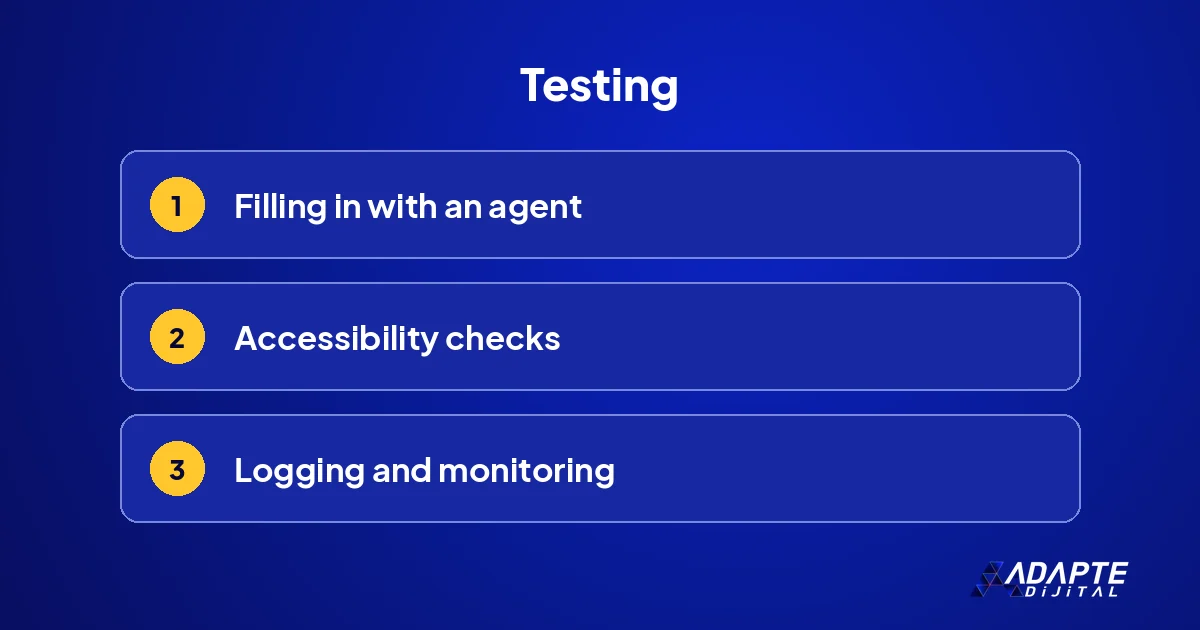
- Filling it in with an agent
- Accessibility checks
- Logging and monitoring
A form only proves it works as designed when it is tried. Testing is done from three directions.
Filling it in with an agent
Asking an assistant or a tool in agent mode to fill in the form with test details is the fastest feedback. Note where the agent hesitates and which mistakes it makes. The test is repeated after every fix. Real personal data is never used, and the same instructions are reused so results can be compared over time. 🤖
Accessibility checks
Checks with keyboard navigation, screen readers and automated accessibility tools reveal most of the problems an agent will also meet. The basic principles of a contact form are covered in contact form design. An accessibility test is a cheap first step before an agent test, and it often fixes both at once.
Logging and monitoring
Form submissions, error rates and fields where people give up are tracked in analytics. Whether visits from assistants complete the form is read separately. A form that is measured is a form that can be improved. Results are reviewed monthly; how to judge a site with numbers is discussed in measuring website success. 📊
What does Adapte Digital do in form design?
BU BÖLÜMÜN ÖZETİ
- A single delivery package
- What is delivered
- Where to start
We rework your forms for both people and agents: labels, field types, rules and the confirmation flow are fixed, tested and handed over.
A single delivery package
Adapte Digital does not charge a monthly management fee. Work starts with a single delivery package whose scope is written down in advance: 36,000 TRY + VAT. If the work grows, the new need is defined as a separate add-on package, priced by what will be delivered rather than by the hours spent. 📦
What is delivered
The output is corrected forms, a list of fields and rules, agent and accessibility test notes, and a WebMCP readiness recommendation. How forms fit into the wider site structure is covered in the two-layer website.
Where to start
Which packages are open, and at what price, is shown on our campaign pages, item by item. 🧭
One way to build a business on this knowledge is set out in our article on booking and quote integration.
Quick Summary
- An agent reads a form from labels, field names and autocomplete attributes.
- The right field type, limited options and few required fields make a form agent-friendly.
- A form with sound labels is largely ready for WebMCP’s declarative route.
- Security needs balance; steps that require consent are left to human confirmation.
- Forms are tested with agents, accessibility tools and analytics.
Short Glossary
- Autocomplete attribute
- An HTML attribute that tells the browser a form field’s meaning using a standard name.
- Honeypot field
- A field people cannot see that exposes malicious automation if it gets filled in.
- Confirmation message
- An email or text message that tells the customer their request has been received.
Frequently Asked Questions
Next Step
On your most important form, check one by one whether every field has a visible label, the right field type and a clear error message. Our campaign pages list the delivery packages that cover this work.
Sources: Chrome for Developers — WebMCP Declarative API · MDN Web Docs — HTML attribute: autocomplete · W3C — Web Content Accessibility Guidelines (WCAG) 2.2
Updated: November 2026
Sık Sorulan Sorular
Usually not. Completing labels, correcting field types, making rules visible and clarifying error messages make a big difference.
You can, but heavy verification also blocks agents. Consider less obstructive methods such as rate limits and hidden honeypot fields alongside it.
Where explicit consent is required, this is not yet clear. It is safer to leave these steps to human confirmation and to consult a lawyer.