
Agent-Ready Website Guide: How Do AI Agents Read and Use Your Site?
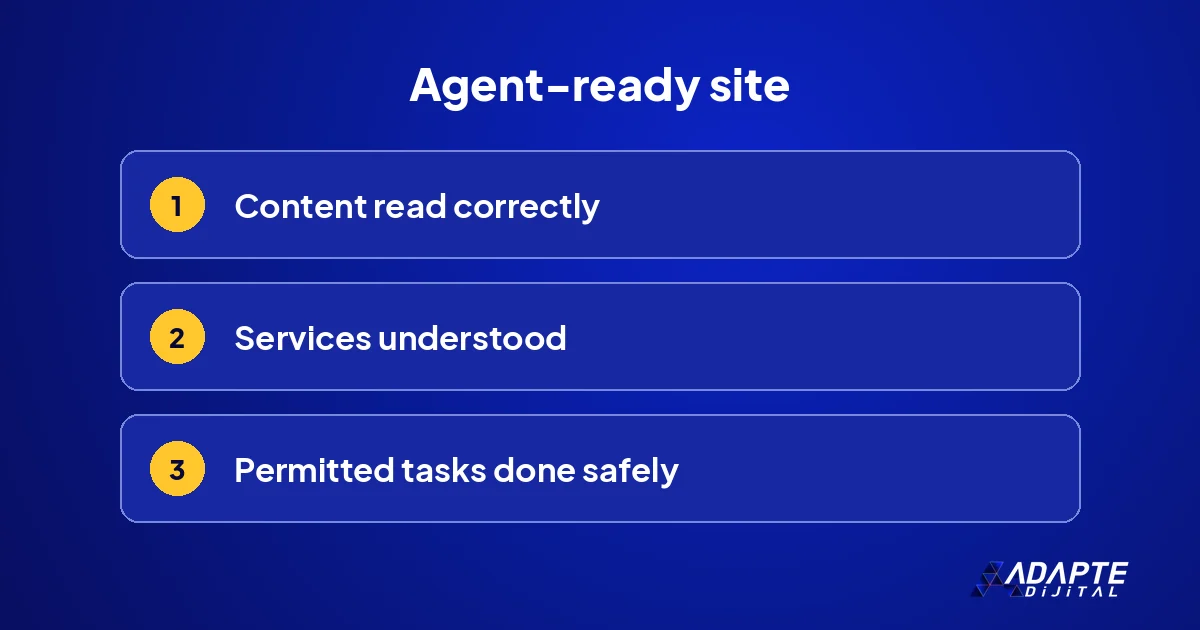
An agent-ready website is a site whose content AI agents can read correctly, whose services they can understand and on which they can safely carry out permitted tasks, such as a quote form or a booking request. Visitors are no longer only people; an agent browsing on a customer’s behalf can knock on the door too. 🌐
This guide explains the agent-ready website from a business owner’s point of view: how agents use sites, which standards exist today, what a site should prepare and which risks it should know about. The information was checked on 12 November 2026 against official documents and industry sources. Forward-looking statements are marked as forecasts.
What is an agent-ready website?
For years, websites were designed for human visitors. Now AI agents working on customers’ behalf are arriving at the same pages. This section covers the definition, what changes and who should pay attention.
Definition
An agent-ready website is one where AI agents can read information on the page correctly, understand what the site does and carry out permitted actions without errors. Those actions might be filling in a contact form, sending a booking request, searching for a product or asking for a quote. Being agent-ready means a site also serves a second type of user. The site built for people does not break; an arrangement that machines understand is added alongside it. The same arrangement also helps every machine reader of the site, from screen readers to search engines. 🤖
How do agents use a site?
BU BÖLÜMÜN ÖZETİ
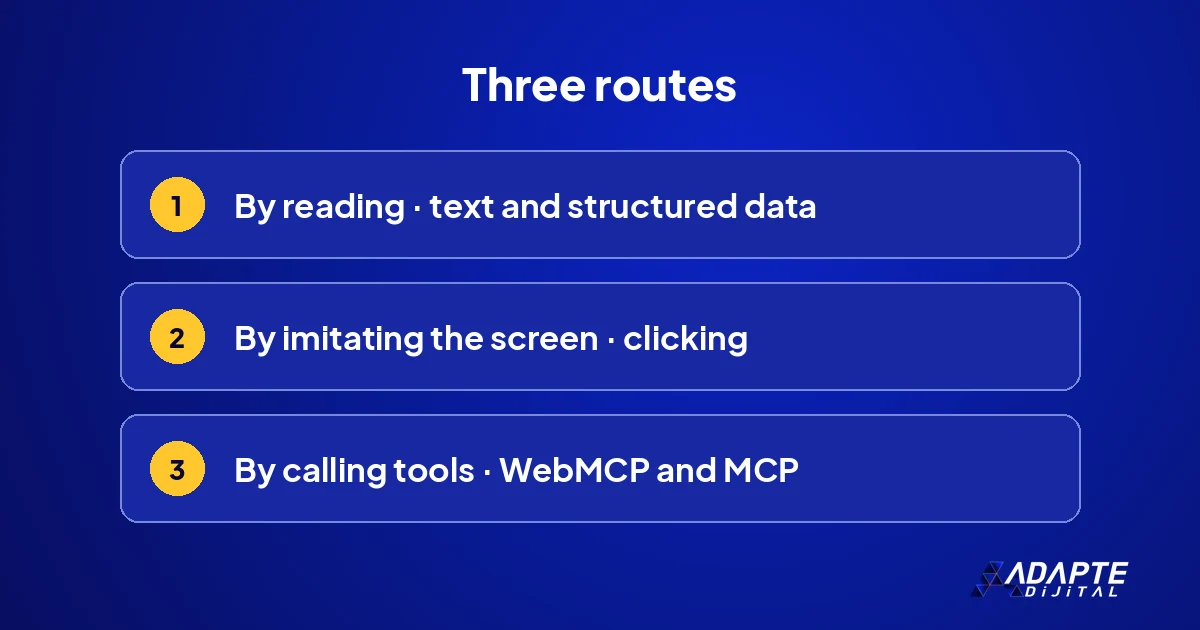
- By reading
- By imitating the screen
- By calling tools
Today, agents interact with a site in three different ways. All three are used together, and each requires different preparation.
By reading
Assistants and agents understand what a site offers by reading the page text, headings and structured data. This resembles classic search engine crawling, but the aim is not ranking; it is answering a question or completing a task. Clear headings, visible prices and clean structured data are the foundation of the reading route. Information that cannot be read makes every later step impossible. A sitemap that reflects the site’s structure helps here too, because it shows machines which pages matter. 📖
By imitating the screen
Some agents use a browser the way a person does: they see the page, click a button and type into fields. Browser-based assistants and the agent modes of chat apps follow this route. This method is slow and fragile; if a button moves or an unexpected pop-up appears, the task can stall. Unlabelled fields and buttons whose purpose is unclear are the biggest obstacles on this route, and a cluttered interface tires the agent just as it tires a person.
By calling tools
The third route is for the site to offer the agent tools directly, saying, in effect, “these are the things I can do”. WebMCP on the browser side and MCP on the server side are examples; WordPress is moving the same way with its Abilities API and MCP Adapter. The tool route is the fastest and most reliable, but it is still early, and not every agent uses these tools. For most sites it is a testing ground today, while work on reading and forms pays off immediately. 🧰
Which standards exist today?
BU BÖLÜMÜN ÖZETİ
- WebMCP
- MCP and WordPress
- Identity and access
Standards for agent-ready sites are moving fast. None is finished yet, but their direction is clear enough. As of 12 November 2026, three areas stand out.
WebMCP
WebMCP is a proposed browser interface that lets a page offer tools to an agent in the browser. The document is a draft report of the W3C Web Machine Learning Community Group and is not a W3C standard. In May 2026, Chrome opened an origin trial running from version 149 to 156; a separate flag also allows local testing. The interface was renamed during the year: document.modelContext now replaces navigator.modelContext. Chrome’s trial application lists version 157 as the estimated release, which is an estimate rather than a date. 🧪
MCP and WordPress
The Model Context Protocol (MCP) is an open protocol AI applications use to connect to external systems. WordPress added the Abilities API to core in version 6.9, and the official MCP Adapter turns those abilities into tools agents can call. WordPress 7.0, released in May 2026, introduced an AI Client that connects to AI services through a single interface. Preparation has begun at the platform level, but which abilities a site exposes to agents is always the owner’s decision. Platform choice itself is discussed in WordPress vs custom software.
Identity and access
An IETF draft called Web Bot Auth is being developed so that agents can identify themselves verifiably, and Cloudflare recognises signed agents as a separate class. In August 2026, Google opened a Search Console setting to all sites that decides whether a site appears in AI Overviews and AI Mode. According to Google, the setting is not used as a ranking signal for search results outside those features. Access is no longer simply open or closed; it is a graduated decision. These tools make it easier for a site to choose what it opens to which agent. 🔐
What should a site prepare?
BU BÖLÜMÜN ÖZETİ
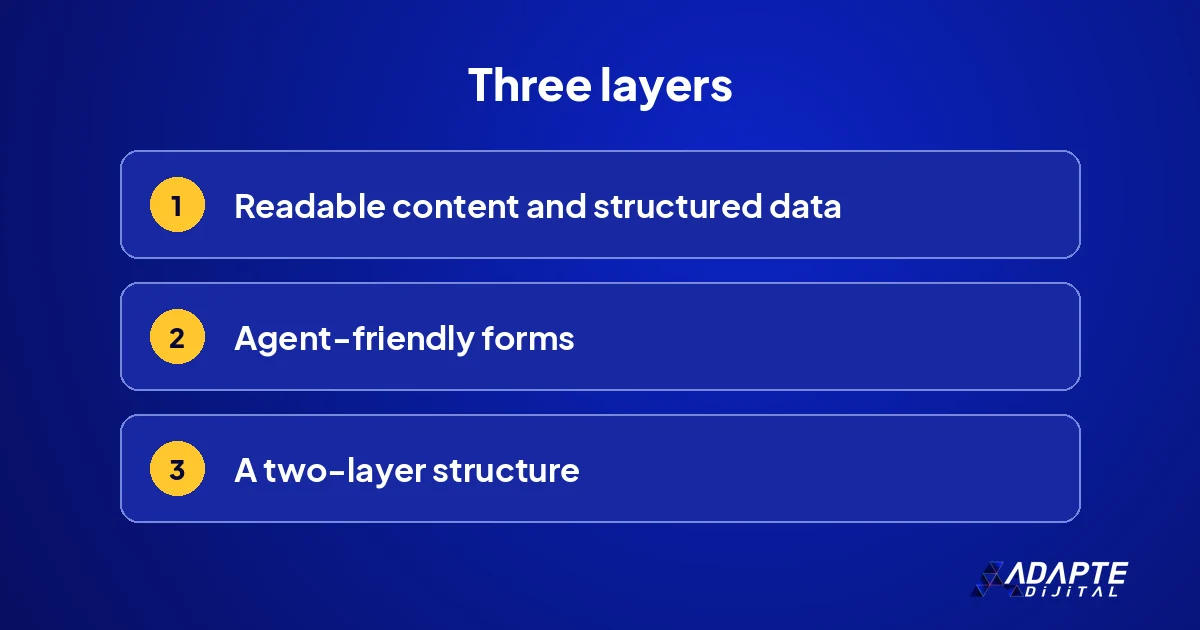
- Readable content and structured data
- Agent-friendly forms
- Two layers
Preparation happens in three layers, all built on top of today’s site; no new site is needed. The order matters: readability first, then forms, then the tool layer.
Readable content and structured data
Services, prices, opening hours, location and contact details should be clear in the text and marked up with structured data. Frequently asked questions and policies should sit on separate pages that are easy to find and read. An agent’s first need is to understand exactly what the site offers. Information should not be trapped in an image or a downloadable file, and structured data must match the page exactly. How structured data is used for AI is covered in schema structured data and AI. 🏷️
Agent-friendly forms
Forms should be built so an agent can fill them in correctly: every field needs a clear label, the right field type, visible rules and understandable error messages. The number of required fields should be reduced, and options should be offered as lists where possible. An accessible form is also an agent-friendly form, because both state clearly what each field wants. A clear confirmation message at the end also tells the agent the task is complete. The details are covered in designing forms for agents.
Two layers
A site is thought of in two layers: a visual interface for people and an orderly data and tool layer for machines. The two layers should draw on the same source and say the same thing. Building a separate, different site for agents creates inconsistency and a risk of cloaking, because showing people and machines different content can breach search engines’ rules. This approach keeps today’s design while adding an arrangement for machines; how it works is described in the two-layer website. 🧱
What are the risks and limits?
BU BÖLÜMÜN ÖZETİ
- Early standards
- Security and confirmation
- The access decision
Preparing for agents brings risks as well as opportunities. Knowing three limits up front sets expectations correctly, and none of them is a reason to delay.
Early standards
Interfaces such as WebMCP are still in trial and changed even within this year. An integration written today may need updating in a few months, and the origin trial has an end version. Early implementation should happen in a test environment and in small steps, designed so it can be rolled back easily. Lasting investment goes into the foundation that does not depend on any standard: readable content and well-built forms. ⏳
Security and confirmation
An agent filling in and submitting a form brings risks of misuse and error. According to Chrome’s WebMCP documentation, declarative forms by default include a confirmation step the user can see before submission. Human confirmation should be kept for sensitive actions. Which tasks a site opens to agents is decided one by one according to their risk, with a written note of who approves and when a task is stopped. Enquiries are checked regularly, since a sudden spike can be an early sign of abuse.
The access decision
Closing the door to agents and AI features is possible, but it has a cost: according to Google, a site that switches the Search Console setting off receives no traffic or impressions from AI Overviews and AI Mode. Closing and opening should both be deliberate decisions. The decision depends on what information the site wants to share with whom, and its effect can be followed in the new AI report in Search Console. The first month’s task list is set out in agent-ready website: month 1. ⚖️
How do you prepare a site for agents with Adapte Digital?
BU BÖLÜMÜN ÖZETİ
- A single delivery package
- What we do on the web side
- Where to start
We approach this area not with a monthly service but with a delivered arrangement: content, forms and access are reviewed with agents in mind, and the fixes are handed over to you.
A single delivery package
Adapte Digital does not charge a monthly management fee. Work starts with a single delivery package whose scope is written down in advance: 36,000 TRY + VAT. If the work grows, the new need is defined as a separate add-on package, priced by what will be delivered rather than by the hours spent. 📦
What we do on the web side
We review your site the way an agent would, list unreadable information, problem forms and access barriers, and make the fixes. How a wider site performance audit fits in is explained in website performance audit.
Where to start
Our current packages and capacity are listed on our campaign pages; scope and price are written there before any work starts. 🧭
Quick Summary
- An agent-ready site is one where agents can read content and carry out permitted tasks safely.
- Agents use sites in three ways: by reading, by imitating the screen and by calling tools.
- WebMCP is in a Chrome origin trial; WordPress is preparing with the Abilities API and MCP Adapter.
- Preparation: readable content and structured data, agent-friendly forms and a two-layer structure.
- Risks: early standards, security and confirmation, and the cost of the access decision.
Short Glossary
- Agent-ready site
- A website AI agents can read correctly and on which they can carry out permitted actions safely.
- WebMCP
- A proposed browser interface that lets a web page offer callable tools to an AI agent in the browser.
- Origin trial
- A Chrome programme that opens a new feature to testing on real sites for a limited period.
Frequently Asked Questions
Next Step
List the tasks an agent could do on your site, such as quotes, bookings and contact, and write down which form each one uses. Our campaign pages list the delivery packages that cover this work.
Sources: W3C Web Machine Learning Community Group — WebMCP (Draft Community Group Report) · Chrome for Developers — WebMCP Declarative API · WordPress Developer Blog — Introducing the WordPress MCP Adapter · Google — New opportunities, control and insights for website owners
Updated: November 2026
Sık Sorulan Sorular
On a classic site, the visitor browses pages, clicks menus and fills in the form themselves. An agent tries to carry out those steps on the customer’s behalf: it compares services, finds the price and fills in the form. A form with unclear labels, or a price that exists only in an image, makes the agent abandon the task, which means a lost enquiry. When an agent compares services, it looks for scope, duration and a price range; if these are missing from the text, it moves on to another page. How a homepage should present this information is covered in homepage structure.
It concerns above all businesses that collect enquiries through their website: clinics and salons that take bookings, manufacturers and service firms that receive quote requests, hotels that take reservations and shops that sell products. For a business whose site is just a brochure, the subject still applies, because agents read first and recommend second. On the B2B side, an assistant compiling a supplier list relies on the readable information on suppliers’ sites. A site that cannot be read is a site that is not recommended. 🏢
Usually not. With readable content, clean structured data and well-built forms, an existing site can be largely prepared; new interfaces are added on top of that foundation.
WebMCP is still in trial and its interface changed during 2026. Do the basic preparation first; trying WebMCP in a test environment with one small form is the safer path.
Partly, yes; there are tools such as robots.txt, firewalls and the AI setting in Search Console. But closing can cost visibility and traffic, so the decision should be deliberate.