
What Are Invalid Clicks in Google Ads? Do I Pay If a Competitor Clicks My Ad?
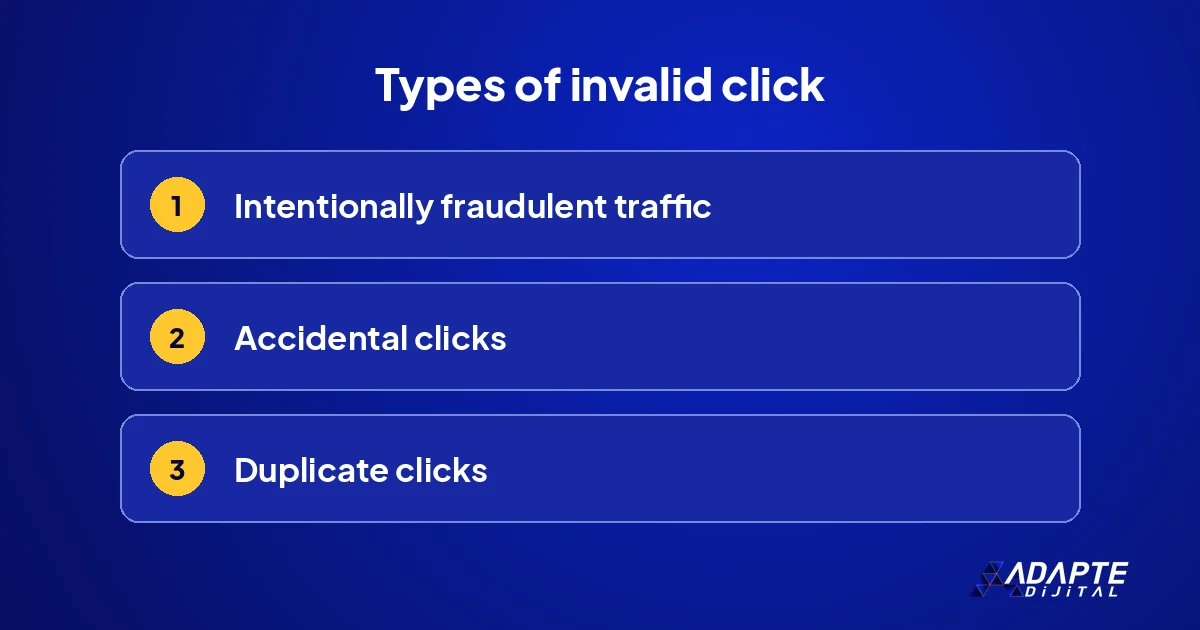
Invalid clicks in Google Ads are clicks on your ad that do not come from genuine interest. By Google’s definition, intentionally fraudulent traffic belongs in this group, and so do accidental and duplicate clicks. This is the term behind the familiar worry that a competitor is burning through my budget. 🛡️ Knowing exactly what the term covers is the first step to judging how big the problem really is.
The good news: according to Google’s help pages, the system tries to filter these clicks automatically and does not charge for the ones it filters. This guide explains what counts as invalid, where to see it in your account and which precautions are in your own hands, so that your attention goes to the part of the spend you can actually control.
What exactly is an invalid click?
BU BÖLÜMÜN ÖZETİ
- Google’s definition
- Clicks that are not invalid
- Competitor clicks
Not every unwanted click is an invalid click. Google’s definition is narrow, and knowing the distinction prevents anger aimed at the wrong target. The three headings below separate what falls inside it from what does not.
Google’s definition
According to the Help Center, an invalid click is a click on an ad that is not the result of genuine user interest: intentionally fraudulent traffic, an accidental click or a duplicate click. Automated clicking tools and bots are covered as well. The yardstick is intent, not outcome, which is why a click that simply fails to sell is treated differently. 📖
Clicks that are not invalid
Someone who clicks your ad and dislikes the price, who was looking for a different product or who is only gathering information is a real user. That click brings no sale, but it is not invalid. A click that does no good and an invalid click are not the same thing. Reducing the first kind is a matter of keywords, ad text and targeting, not of complaints.
Competitor clicks
It is possible for a competitor to click your ad a few times. Repeated clicks from the same source are the kind Google tries to filter. The occasional single click is unavoidable and does not move the budget noticeably. The worry is usually bigger than the real loss. A related question, competitors advertising on your name, is covered in competitor bidding on my brand. 🧯
Does Google charge for these clicks?
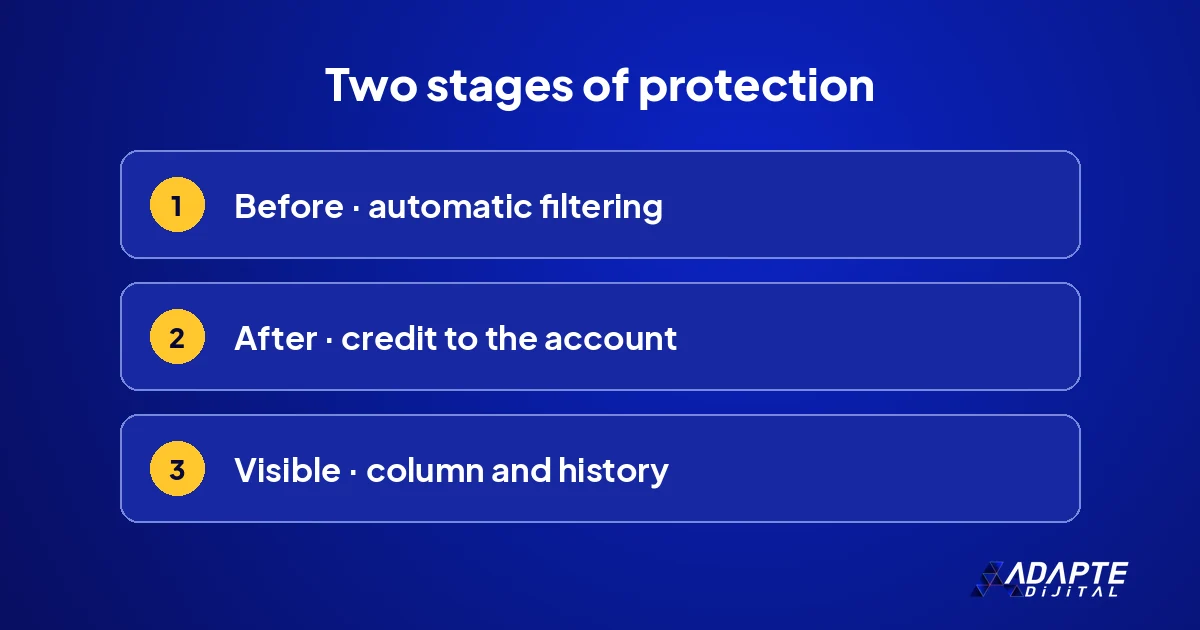
The short answer: not for the ones it filters. The system works in two stages, one before the invoice and one after. You can see both in your account, and knowing them removes a good deal of needless worry when you read a bill.
Before the invoice: automatic filtering
According to Google, when it determines that clicks are invalid it tries to filter them automatically from your reports and payments, so that you are not charged for those clicks. The page defining a click says the same: invalid clicks are filtered out and you are not charged for them. Most of this happens without any sign in your daily view. ✅
After the invoice: credits
If invalid clicks that escaped the automatic filter are detected later, they may be returned to your account as a credit, according to Google’s page on credits and adjustments. The amount is not a cash refund; it is deducted from your later advertising spend. The record also states which period the credit belongs to, so you can see which month was corrected.
Where does the real budget loss come from?
BU BÖLÜMÜN ÖZETİ
- Irrelevant searches
- Areas you do not serve
- Accidental clicks on the Display Network
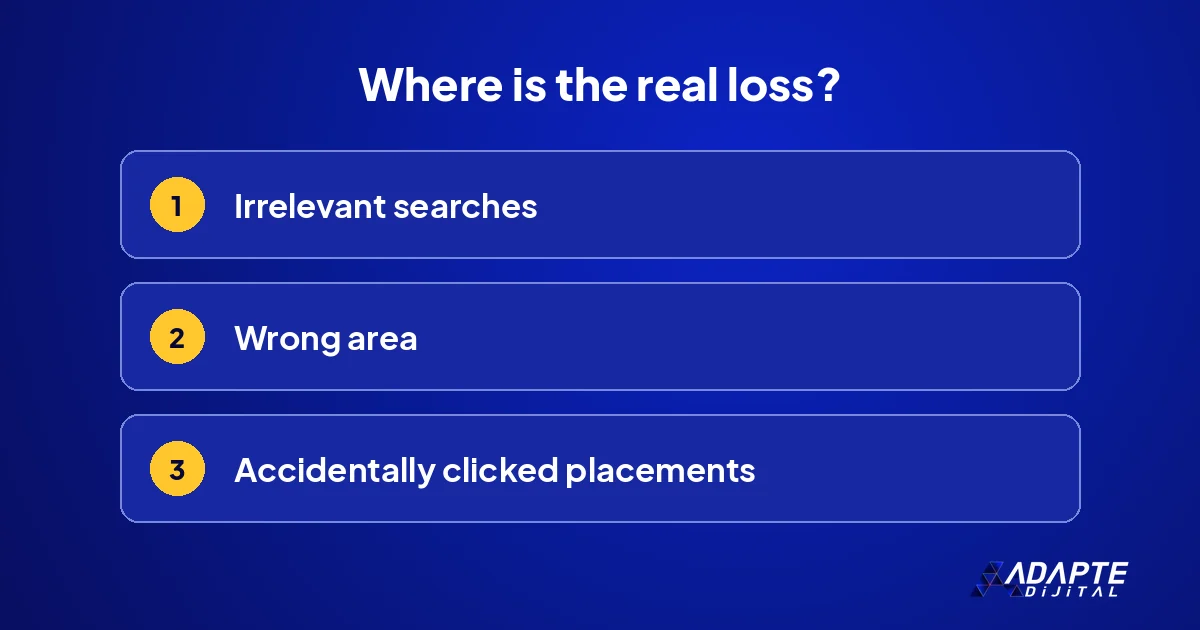
In most accounts the money goes not to fake clicks but to ads shown to the wrong people. These are not counted as invalid and no credit arrives; but they are within your control, which makes them the better place to spend your effort.
Irrelevant searches
An ad that appears on searches containing words such as free, how to or job vacancy gets clicked but brings no sale. The search terms report shows these. A negative keyword list is the cheapest precaution and should be updated regularly. Ten minutes a week saves a meaningful amount by the end of the month and makes the report readable as well. 🧹
Areas you do not serve
If the location setting was left wide, you also pay for a click from a city where you offer no service. The correct setup is explained in Google Ads local campaigns. This is one of the first things to check in any account that sells a service tied to a place.
Accidental clicks on the Display Network
Accidental clicks are common in the ad spaces inside mobile apps and games. If the Display Network was added to a Search campaign, the budget can drift there. The placements report lists the apps and sites where you were shown. Children’s games and unrelated apps can safely be excluded by most businesses. 📱
What should I do when I am suspicious?
BU BÖLÜMÜN ÖZETİ
- First look at the source of the rise
- Add the invalid clicks column
- Report it to Google if necessary
If the number of clicks rises suddenly, a calm check comes first. The reason for the rise is usually innocent. Three steps are followed in order, and the first often settles the matter.
First look at the source of the rise
Separate which campaign, which keyword, which hour and which device it rose in. A rise concentrated on one keyword in the night hours is suspicious; a rise spread across the whole account is generally demand or a seasonal effect. Making this distinction first also keeps you out of an unnecessary complaint process. 📈
Add the invalid clicks column
If the column shows a number, the system has already filtered those clicks; you did not pay for them. Google notes that advertisers who are concerned can monitor invalid click activity and adjustments in their account. A high number means the filter is working, not that you are being overcharged for those clicks.
Report it to Google if necessary
If there is a pattern you believe was not filtered, you can ask Google to investigate. Prepare the date range, the campaign and the pattern you observed. Clicks found invalid as a result may be returned as credit. The more concrete data you have, the better the review goes; saying only that there are many clicks is not enough. 📨
Which precautions really work?
BU BÖLÜMÜN ÖZETİ
- Narrow the targeting
- Measure conversions
- Regular audits
Click protection software is widely marketed, but in most small accounts the real difference comes from setting the account up properly. Three precautions cost nothing and should come first.
Narrow the targeting
The right area, the right hours, the right keywords. The fewer irrelevant people the ad is shown to, the fewer invalid and unproductive clicks there are. Narrow, clear targeting is the strongest protection, because it reduces exposure to every kind of click you do not want, whatever its motive. 🎯
Measure conversions
Follow enquiries, not clicks. If a keyword is clicked a lot and brings no enquiries, it is switched off whatever the reason. When measurement is correct, fake traffic gives itself away immediately, because it does not convert. The setup is in Google Ads conversion tracking setup.
Regular audits
Looking at search terms, placements and the location report once a month is sufficient. The full list of checkpoints is in Google Ads account audit. A fixed day in the calendar works better than checking only when something feels wrong. 🗓️
How much weight should this topic get?
BU BÖLÜMÜN ÖZETİ
- See the rate in your own account
- Compare it with unproductive clicks
- Keep the whole picture in view
Invalid clicks are real, but for most businesses they are not the biggest problem. To spend energy in the right place, you need to see the proportion in your own account rather than in general talk.
See the rate in your own account
Divide the number in the invalid clicks column by total clicks. That rate is the truth of your account, and it is worth more than general rumours. Your own figure is enough for a decision, and it gives you a baseline to compare against next month. 🔢
Compare it with unproductive clicks
Work out the spend that went to irrelevant searches in the same period. In most accounts this amount is many times larger than invalid clicks, and all of it is within your control. Giving your time to this larger item first is the shortest way to get more enquiries from the same budget.
Keep the whole picture in view
Advertising is only one part of how a business is found. If the account is clean and the numbers still disappoint, the cause may lie in the page the ad leads to or in how quickly enquiries are answered. Review those two alongside the click figures before you blame the traffic. 🚀
Quick Summary
- An invalid click is a click that does not come from genuine user interest.
- Google does not charge for the invalid clicks it filters.
- Those detected later may be returned to the account as credit.
- The real budget loss mostly comes from irrelevant searches.
- The strongest precaution is narrow targeting and correct conversion measurement.
Short Glossary
- Invalid click
- A fraudulent, accidental or duplicate click made without genuine interest.
- Credit
- An amount returned to the account for invalid activity detected later.
- Negative keyword
- A word that keeps your ad from appearing on searches you do not want.
Frequently Asked Questions
Next Step
Add the invalid clicks column to your campaign report and look at the rate for the last thirty days. Then open the search terms report and block irrelevant searches, because that is where most of the recoverable money sits.
Sources: Google Ads Help — Invalid clicks: definition · Google Ads Help — Understanding credits and adjustments to your account · Google Ads Help — Click: definition
Updated: November 2026
Sık Sorulan Sorular
You can add the invalid clicks column to your campaign report to see the number of clicks that were filtered automatically. Credits that were issued appear in the transaction history. Looking at both once a month is enough for most accounts, and it turns a vague suspicion into a number you can compare over time. 🔎
Repeated clicks from the same source are the kind Google tries to filter automatically. You do not pay for those it filters; if missed ones are detected later, credit may be returned.
The return is made as credit to the account, not in cash, and is deducted from your later advertising spend. Credits appear in the transaction history.
In small accounts apply the free precautions first: narrow targeting, negative keywords, conversion measurement. If the rate in your own account turns out high, an extra tool can be considered then.