
How to Open a ChatGPT Ads Account: A Step-by-Step Guide for Businesses in Türkiye
How to open a ChatGPT ads account, in short: you register in OpenAI’s ads manager with your company details, complete verification and billing, and then set up your first campaign. Türkiye is on the eligibility list in OpenAI’s help pages, so a company established in Türkiye can use the ads manager. 🧾
This guide covers what to prepare before opening the account, how to open it, how to choose the first campaign’s objective and budget, and the most common setup mistakes. The ads manager is in beta, so details can change; the facts were checked against OpenAI’s help pages on 12 November 2026. Check the current page before you set anything up.
What should you prepare before opening the account?
BU BÖLÜMÜN ÖZETİ
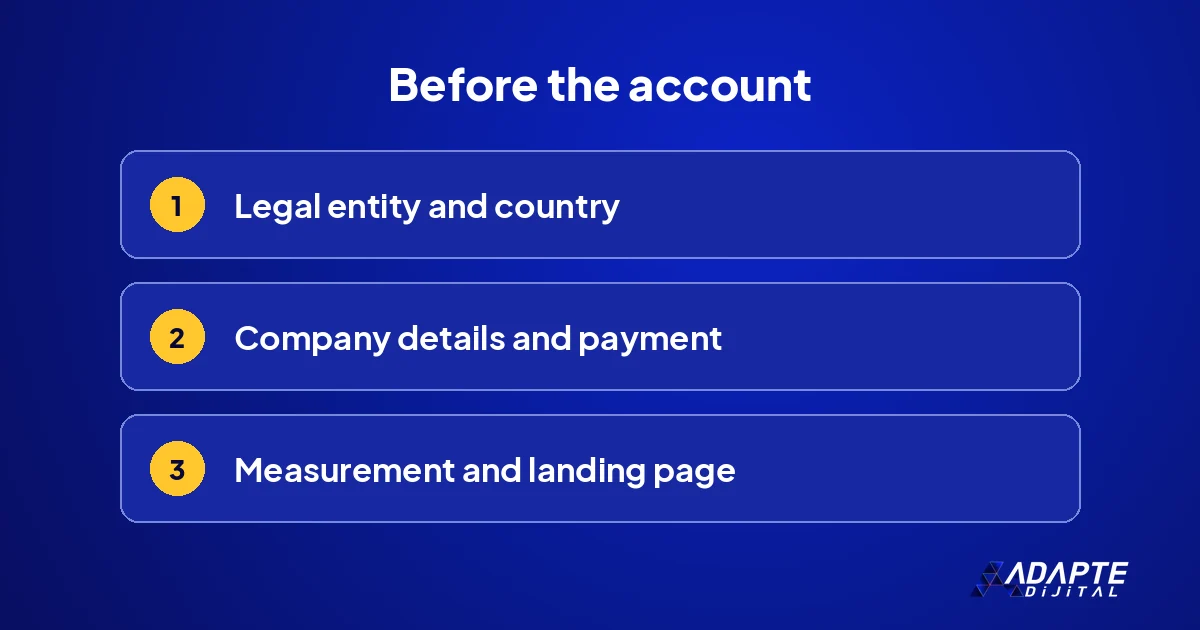
- Legal entity and country
- Company details and payment
- Measurement and landing page
If preparation is missing, the account opens but the campaign is either not approved or cannot be measured. Three things should be ready in advance.
Legal entity and country
Under OpenAI’s rules, to advertise through the ads manager, the legal entity that advertises and is billed must be established in a country on the eligibility list. The account is opened in that entity’s name. Industry sources report that some new accounts can initially advertise only in their own country; a business planning to target other countries should check this condition at the start. If your company operates through more than one legal entity, decide which one will hold the account before you begin. 🏢
Company details and payment
According to industry guides, you should have the legal company name, tax identification details, a payment method and the small icon that will appear next to your brand in ads ready in advance. Details that match official records exactly speed up verification. The billing currency also determines the minimum daily budget, so choose it deliberately rather than accepting a default. Keep these details in one document, so that whoever sets up the account does not have to chase them during registration.
Measurement and landing page
The page the ad will lead to, and the conversion that will be measured on it, are prepared before the account. OpenAI says it may crawl landing pages for review, and claims in the ad are expected to match the page. An account without measurement can still run ads, but it cannot tell you whether they work. The page side is covered separately in the landing page for in-answer ads. Prepare both before the first login, and the setup itself becomes routine. 📄
How do you open the account?
BU BÖLÜMÜN ÖZETİ
- Registering in the ads manager
- Verification and billing
- Agencies and users
The steps to open the account are simple. What needs attention is in whose name the account is opened and who has access to it.
Registering in the ads manager
The ads manager opens from OpenAI’s advertising address; you sign in with an existing OpenAI account or a new one. You then create an ad account and enter the company details. This step is separate from personal ChatGPT use and from the developer platform, so a company account should not be tied to one employee’s personal login. Use a company email address that will still exist if that person leaves, and record who created the account. 🖥️
Verification and billing
For the account to run ads, verification and billing must be complete. OpenAI’s campaign guide lists completed account verification and billing among the first things to check when a campaign is not delivering. If this step is skipped, the campaign is set up but never goes live. Verification can take time, so start it as soon as the account exists rather than on the day you want to launch. Keep the confirmation emails, since they help if questions come up later.
Agencies and users
Industry guides report that OpenAI says agencies should not open accounts on behalf of clients; the advertiser opens the account and adds the agency as a user. That keeps the account and its data with the business. If you work with an agency or a freelancer, give them user access and remove it when the work ends. The owner of an ad account should always be the business itself, whatever the size of the budget or the length of the engagement. 🔑
How do you set up the first campaign?
BU BÖLÜMÜN ÖZETİ
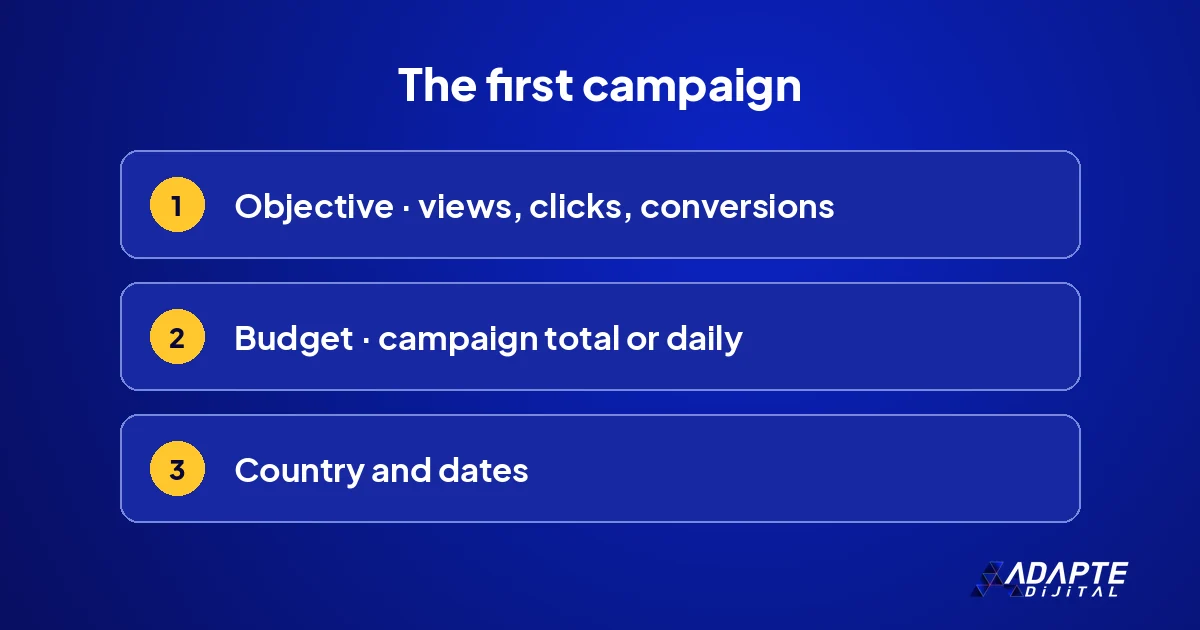
- Choosing the objective
- Budget type
- Country and dates
The campaign determines the ad’s objective and budget. Some choices made in the first campaign cannot be changed later, so it needs care. The general logic of a clean structure is explained in Google Ads account structure.
Choosing the objective
According to OpenAI’s guide, the campaign objective can be views, clicks or conversions; the objective determines how the ad is priced and what delivery is optimised for. For a business whose measurement is newly set up, starting with a clicks objective is often the clearest choice; a conversions objective becomes meaningful once enough data has been collected. Match the objective to what you can actually measure today, not to what you hope to measure later. 🎯
Budget type
The budget is set as a campaign total or a daily amount. Daily spend does not exceed twice the chosen daily budget, and spend over seven days does not exceed seven times. The minimum daily budget depends on the billing currency. Some budget type changes cannot be undone: OpenAI notes that switching a campaign-total budget to daily is irreversible, so a campaign set up with the wrong type may need to be rebuilt. For a test, a daily budget is usually easier to monitor.
Country and dates
You choose the countries in which the campaign runs and the dates it runs between. At the start, one country and a short period make the result easier to read. The campaign dates must include today for the campaign to deliver; it sounds obvious but is often missed. Set an end date even for a test you expect to extend, because an open-ended campaign is easy to forget and keeps spending after the lesson has been learned. 📅
How do you prepare ad groups and ads?
BU BÖLÜMÜN ÖZETİ
- The context hint
- Ad text and brand
- The review process
Under each campaign sit ad groups, and under those, ads. This layer decides in which conversations the ad appears.
The context hint
Each ad group works with a context description explaining which kinds of conversation the ad would make sense in. This description is not an exact-match keyword list and does not guarantee delivery in a particular conversation. Describing the customer’s situation in plain sentences gives better results than a pile of words: who the customer is, what problem they bring and what stage of the decision they are at. One group should describe one situation. 🧠
Ad text and brand
An ad contains a headline, a short description, a landing page address and the brand icon. The text is written as an offer that answers the user’s question, not as a slogan. Every number in the ad should appear on the page, in the same form. How to build the text is covered in detail in writing ChatGPT ad copy. Prepare two versions for each group from the start, so that the very first round already compares something.
The review process
Ads pass a review before they go live, and an ad is not shown until the review is complete. When an ad is rejected, the most common reasons are a claim that does not match the page or an ad that falls into a restricted area. Read the reason before resubmitting; that shortens the process. Resubmitting the same ad unchanged rarely helps and can delay the whole campaign. Fix the copy or the page first, then submit again. 🔍
Common setup mistakes
BU BÖLÜMÜN ÖZETİ
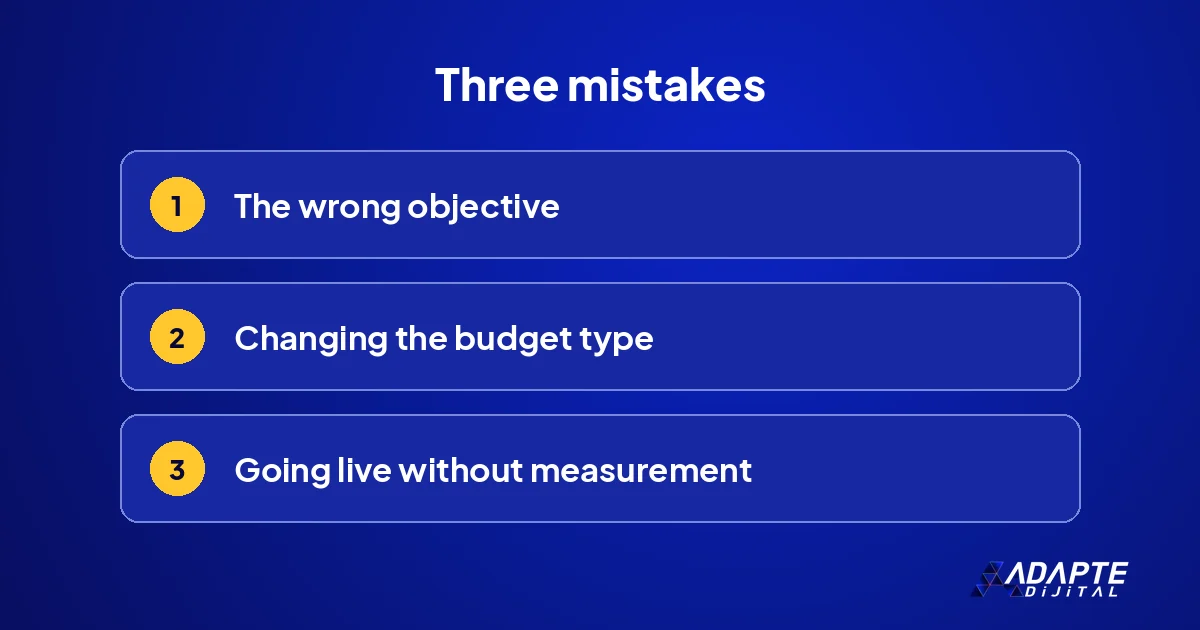
- Starting with the wrong objective
- Changing the budget type later
- Going live without measurement
Most first campaigns lose time to the same three mistakes. All three can be avoided with a checklist before setup.
Starting with the wrong objective
Choosing a conversions objective in an account without measurement means the system has no data to learn from. Because the objective cannot easily be changed later, the wrong objective means rebuilding the campaign. Measurement first, objective second. If you are not sure that conversions are recorded correctly, start with clicks and open a new campaign with a conversions objective once the data is there. Rebuilding costs more time than waiting a week. ⚠️
Changing the budget type later
You can start with a campaign-total budget and switch to a daily budget, but you cannot switch back. That also disrupts comparisons between periods. Choose the budget type to fit the job from day one; for a test, a daily budget is usually easier to follow. If you later need a different type, a new campaign keeps the history of the old one clean and comparable, which matters when you report on results.
Going live without measurement
A campaign that goes live without working measurement produces only impressions and clicks, and those numbers do not say whether the channel works. Testing measurement with a trial conversion is a five-minute step that cannot be skipped. How to read the numbers once they arrive is covered in Google Ads performance measurement; the principles apply on this surface too. Five minutes of testing saves weeks of guessing. 📏
How is the account set up with Adapte Digital?
BU BÖLÜMÜN ÖZETİ
- A single delivery package
- What we deliver at setup
- Where to start
We have the account opened in the business’s own name and ask you to add us as a user, so the account and the data stay with you.
A single delivery package
Adapte Digital does not charge a monthly management fee. Work starts with a single delivery package whose scope is written down in advance: 36,000 TRY + VAT. If the work grows, the new need is defined as a separate add-on package, priced by what will be delivered rather than by the hours spent. 📦
What we deliver at setup
Measurement setup, the structure of the first campaign, context hints and ad texts are prepared and handed over. We assess them together with your existing ad accounts, so the new surface fits the way the rest of your advertising is measured.
Where to start
Our current packages and capacity are listed on our campaign pages; scope and price are written there before any work starts. 🧭
Thinking of building a business in this area? Our article on ChatGPT ads management looks at that door separately.
Quick Summary
- A legal entity established in Türkiye can use the ads manager, as Türkiye is on OpenAI’s eligibility list.
- Before the account: company details, payment, measurement and a landing page.
- The objective is views, clicks or conversions.
- A context hint is not a keyword and does not guarantee delivery.
- The business opens the account; the agency is added as a user.
Short Glossary
- Ads manager
- OpenAI’s advertising interface where campaigns, budgets, ads and reports are managed.
- Campaign objective
- The choice that sets how the ad is priced and what delivery is optimised for.
- Review
- The check an ad passes for policy compliance before it goes live.
Frequently Asked Questions
Next Step
Before opening the account, gather your company details, payment method and the conversion you will measure on a single page. Our campaign pages list the packages that cover visibility and advertising foundations.
Sources: OpenAI Help Center — Ads Manager Availability · OpenAI Help Center — Create campaigns for ChatGPT Ads · MarTech — A 7-step guide to running ads on ChatGPT
Updated: November 2026
Sık Sorulan Sorular
Türkiye is on OpenAI’s eligibility list. If the legal entity that advertises and is billed is established in Türkiye, the ads manager can be used; the list changes, so check its current version.
According to industry guides, OpenAI advises against it. The business opens the account and adds the agency as a user, so the account and data stay with the business.
It depends on the billing currency. OpenAI’s campaign guide lists $25 per campaign per day for the United States; check the current amount for Türkiye in the ads manager.