
Why Are My Google Ads Not Showing? Six Places to Check in Order
Why are my Google Ads not showing is the question advertisers ask most often, and the answer is usually sitting inside the account. The campaign looks enabled, the budget is set, yet when you run the search yourself the ad is not there. The cause is rarely mysterious. 🔎 It is almost always one of a short list of settings, and each of them can be seen in the interface without any special tool.
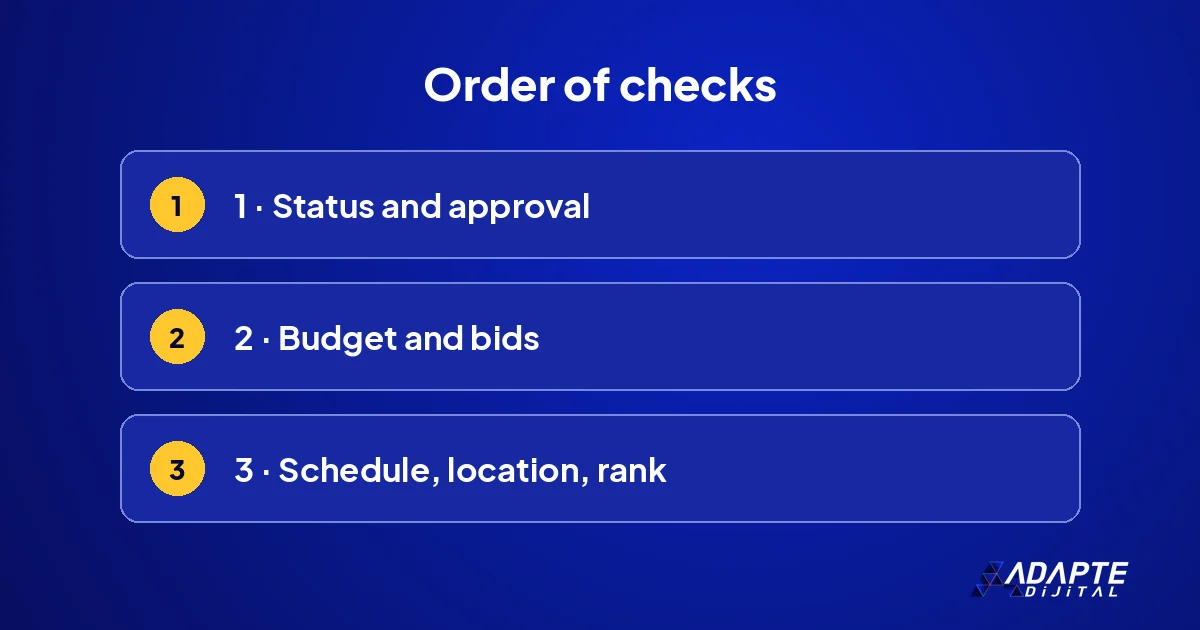
This guide explains the order in which to check: the status column first, then approval, budget, schedule and location, and finally Ad Rank. Google’s help pages suggest the same starting point. Instead of searching from your own phone, use the diagnosis tool inside the account, because your own search is the least reliable test of whether an ad is running.
How can you be sure the ad is not showing?
Not seeing the ad in your own search does not mean it is not running. The first thing to establish is whether it is receiving impressions at all. Two tools are enough for that, and both take minutes.
The Ad Preview and Diagnosis tool
This tool inside Google Ads shows the search result for the location and device you choose, and states the reason if the ad does not appear. Because it does not run a real search, it does not affect your statistics. Pick the area you actually target rather than the place you are sitting in, type your main keyword and read the explanation it gives before changing anything.
Look at the impressions column
If the impression count for the last seven days is zero, the ad really is not running. If there are impressions but you do not see it, nothing is wrong; it simply did not appear in your search. Zero impressions and few impressions are different problems, and they are solved in different places, so settle this before going further. 📊
What does the status column tell you?
BU BÖLÜMÜN ÖZETİ
- Campaign and ad group
- The review status of the ad
- Keyword status
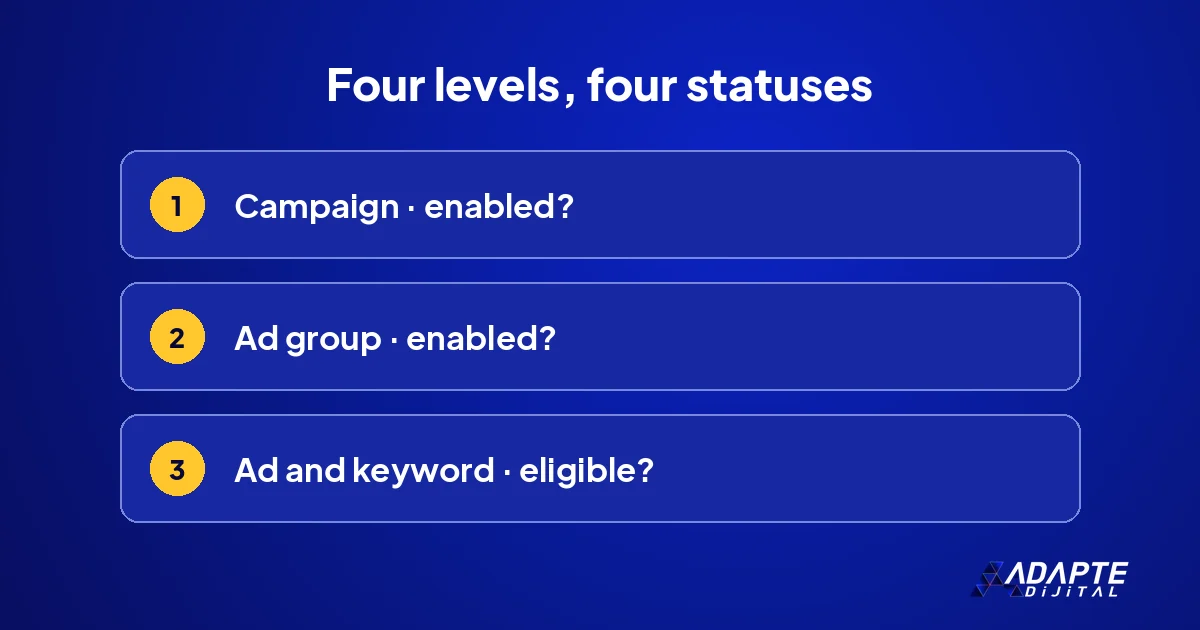
Google’s help page starts the check from the status column. Campaign, ad group, ad and keyword each have a status of their own. If one of them is off, the chain is broken and nothing below it runs.
Campaign and ad group
No ad inside a paused or removed campaign will run, and the same holds for an ad group. Groups that were switched off during a test and then forgotten are the most common cause we see. Start at the top level and work down, one level at a time, rather than opening the ad itself first. 🧭
The review status of the ad
According to the help page, the review status of an ad appears in the status column of the Ads and assets page. An ad under review does not run yet; a disapproved ad does not run at all. The reason is written in the column. A policy reason is often a single word in the text or a detail on the landing page that can be fixed in minutes.
Keyword status
When you place the cursor over the status of a keyword, the possible reasons why your ad is not shown for that keyword appear. Low search volume, a low bid or a conflict with a negative keyword show up here. Looking keyword by keyword is the fastest way to narrow the problem. Keeping the negative list tidy is covered in negative keyword management. 🔍
How do budget and bids stop an ad?
BU BÖLÜMÜN ÖZETİ
- The budget runs out during the day
- The bid is too low for the first page
- A payment problem
If the statuses are fine, money is the second place to look. If the budget runs out during the day, the ad does not appear in the remaining hours. If the bid is too low, the ad cannot enter the auction at all.
The budget runs out during the day
If the daily budget is used up in the morning, the person searching in the afternoon will not see you. A limited by budget notice on the campaign is the sign. The answer is not always a bigger budget; blocking irrelevant searches has the same effect. How to size it is explained in how to set a Google Ads budget. 💸
The bid is too low for the first page
If competitors have raised their bids, the same bid may no longer be enough to appear. This warning is shown in the keyword status. Before raising the bid blindly, check whether that keyword actually brings enquiries. A keyword that never converts does not deserve a higher bid; it deserves to be paused so the money goes to the ones that work.
A payment problem
If the card was declined or the balance ran out, the whole account stops. The warning on the billing page shows this. If every campaign dropped to zero at the same moment, this is the first place to look, well before you start examining keywords, ad texts or targeting settings one by one. 💳
Can schedule and location settings hide the ad?
BU BÖLÜMÜN ÖZETİ
- Ad schedule
- Location targeting
- Device and audience settings
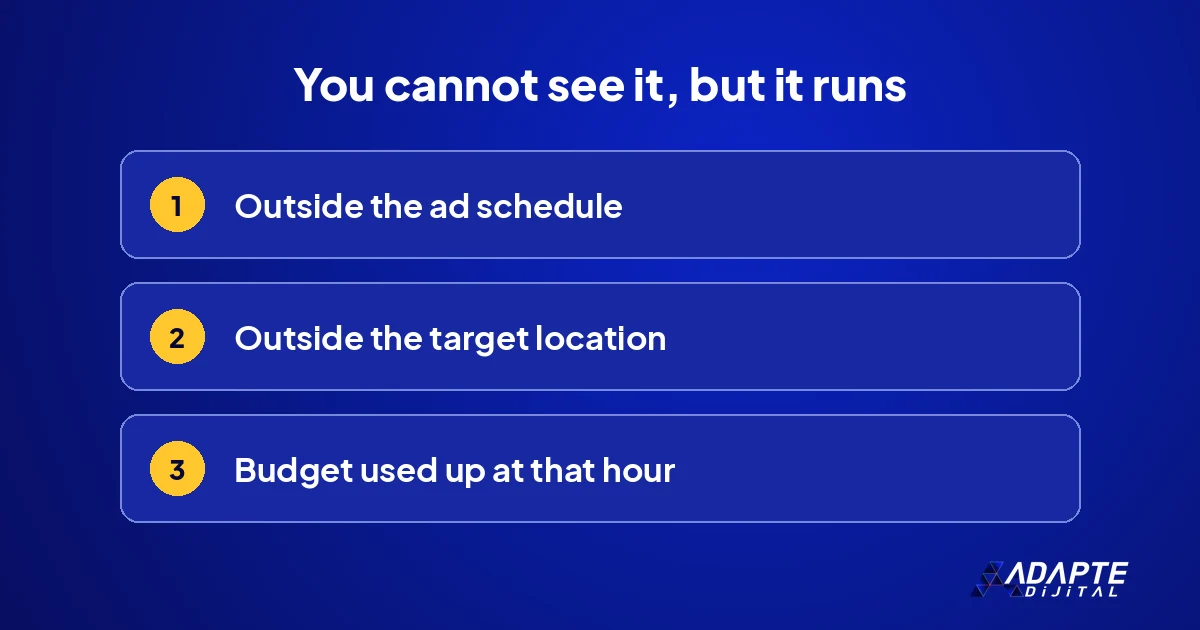
Yes, and these are the causes most often overlooked. The ad is running, just not at the hour or in the place you are looking from. Both settings can be checked in seconds.
Ad schedule
If the campaign has a day and hour limit, the ad is not shown outside that range. A business owner checking from home in the evening will not see an ad scheduled for office hours. The schedule works in the account’s time zone, which matters if you advertise in another country or manage the account while travelling. 🕒
Location targeting
If the ad is aimed only at certain districts or a radius, it does not appear on a search made outside that area. If you are checking from a different city, not seeing it is normal. Select the target region as the location in the diagnosis tool and look again before you conclude that something is broken.
Device and audience settings
If the bid was reduced heavily for mobile, the ad will not show on a phone; if audience targeting was kept narrow, most people will not see it. A setting left over from an old test can cause trouble months later. The change history shows who made these adjustments and when, which often answers the question on its own. 📱
How much do Ad Rank and quality matter?
If everything is enabled, the budget is sufficient and the settings are right, what remains is the auction. Whether the ad appears is not decided by the bid alone; the quality of the ad and of the page counts as well.
If the Quality Score is low
If the ad text does not match the search, or the landing page does not match the ad, quality falls and you have to pay more for the same position. The three components and the ways to improve them are in Google Ads Quality Score. Improving relevance is usually cheaper than raising the bid.
Low search volume
Very long or very specific keywords are almost never searched; Google keeps them inactive for the time being. The status column reads low search volume. Broadening the keyword or switching to a more common phrase is the fix, and it is worth checking how real customers word the search before you choose. 🧩
What if it is none of these?
BU BÖLÜMÜN ÖZETİ
- Look at the change history
- Use Google’s troubleshooter
- Treat the account as a whole
If all six points are clean, the problem most likely comes from a recent change or from a restriction at account level. Three steps remain, and they are quick.
Look at the change history
Go to the date when the ad stopped and see what changed that day: bidding strategy, budget, negative keywords, landing page. Most problems begin right after a change, and undoing it is the fastest solution. If results fell rather than stopped, the checks in conversions dropped suddenly apply. 🗂️
Use Google’s troubleshooter
The Help Center has a troubleshooter for finding out why you may not see your ad. When you select your situation, it lists the possible reasons and the steps to fix them. It can catch a setting you skipped in your own check, and it costs nothing to run through it once before asking anyone for help.
Treat the account as a whole
A single ad not showing is often connected to the general order of the account. If the same question keeps coming back every few weeks, the structure needs attention rather than the individual ad. Write down what you found this time, so the next check starts from a record instead of from memory. 🚀
Quick Summary
- Your own search does not show whether an ad is running.
- The check starts from the status column: campaign, group, ad, keyword.
- If the budget runs out during the day, the ad disappears for the remaining hours.
- Schedule and location settings are the most overlooked causes.
- The problem usually begins after the most recent change.
Short Glossary
- Impression
- The number of times an ad is shown on a search result.
- Ad Rank
- The ad’s place in the auction, based on a combination of bid and quality.
- Low search volume
- A keyword status for terms searched so rarely that they are temporarily inactive.
Frequently Asked Questions
Next Step
Open the Ad Preview and Diagnosis tool in your account, choose your target location and type your main keyword. Note the reason it gives and follow the order in this guide, starting with the status column and ending with the change history.
Sources: Google Ads Help — Why you may not see your ad · Google Ads Help — Troubleshooter: find out why you may not see your ad
Updated: November 2026
Sık Sorulan Sorular
Google does not show the same ads on every search. According to the help page, your ad may appear on the second or a later page. Your location, your device and the state of the budget at that hour also change the result. Searching for your own ad again and again gives a wrong answer and distorts the impression figures you will later rely on. 📵
On every search Google orders ads by a combination of bid and quality. An ad whose rank falls below the threshold is not shown for that search at all. The help page explains how ad position is determined under a separate heading. A high bid is not enough on its own, and a relevant ad can outrank a more expensive one. 🏁
It is not recommended. Location, hour and budget status change the result, and repeated searching distorts the statistics. The Ad Preview and Diagnosis tool in the account does the same job without counting an impression.
The ad goes through review first. Once approved, it appears as eligible in the status column and starts to run. While the review continues, the ad is not shown.
Only if the budget is the cause. For a problem that comes from status, approval or targeting, a budget increase changes nothing; find the cause first.