
Why Does Google Ads Exceed My Daily Budget? What Is the Most I Pay in a Month?

Google Ads exceeding the daily budget surprises everyone who looks closely at the interface for the first time: you entered 50 a day, and yesterday 90 was spent. It looks like an error, but it is not. Google calls this overdelivery, and the rule behind it is clear. 📊 Once you know the rule, the daily figure stops being a source of alarm and becomes something you can plan around.
According to Google’s help pages, a campaign can spend up to twice its average daily budget on a given day; in return, what you pay in a month does not exceed 30.4 times the daily budget. This guide shows the calculation with examples and explains how to set your budget with that in mind, including the special case of campaigns that run only on some days.
Why is the daily budget exceeded?
Search demand is not the same every day. A service searched heavily on Monday may be searched little on Sunday. Google tries to hit the average by spending more on a busy day and less on a quiet one.
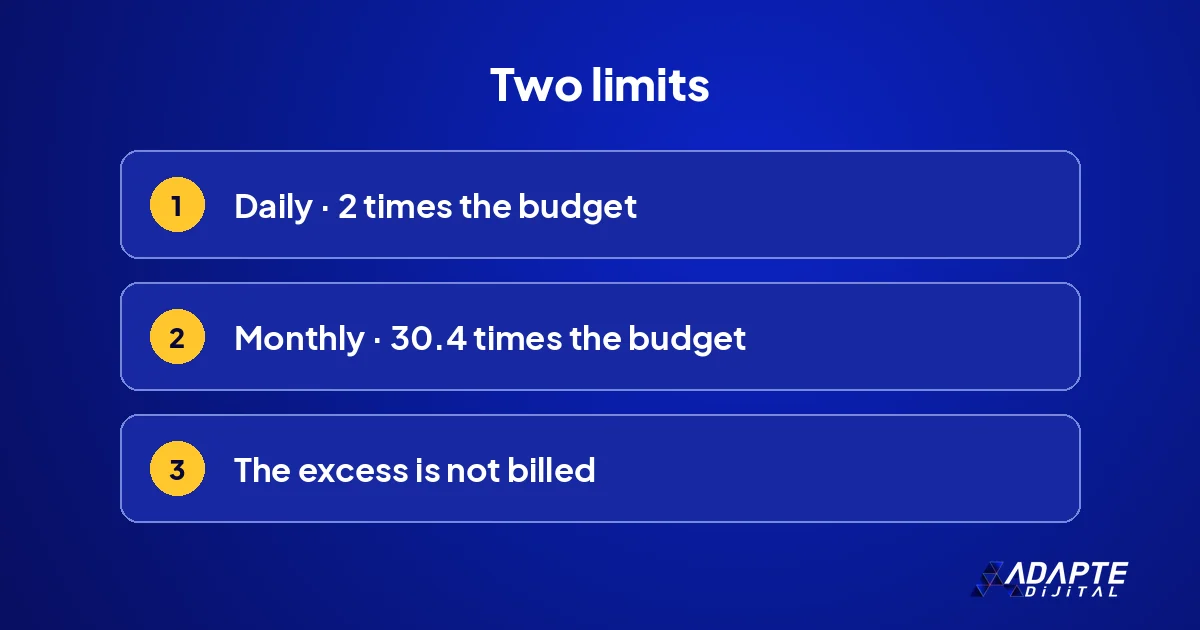
The daily limit: twice the budget
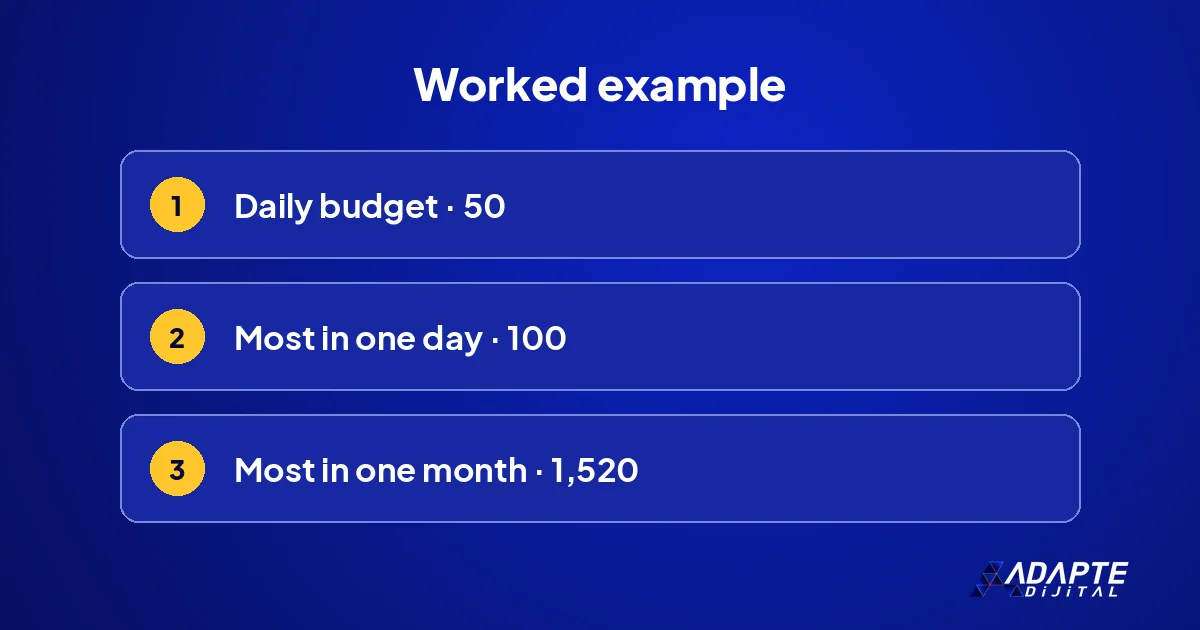
According to the same page, campaign spend will never exceed two times the average daily budget on a given day. If your daily budget is 50, at most 100 can be spent in one day. This is the daily spending limit for most campaign types. On the following days the system tries to balance the average by spending less.
What is the most I pay at the end of the month?
This is the business owner’s real question, and the answer is definite. The monthly limit is calculated from the daily budget, and Google does not bill above it.
The 30.4 rule
Google defines the monthly spending limit as the average daily budget multiplied by the average number of days in a month, 30.4. The figure comes from dividing 365 days by 12 months. For a daily budget of 50, the monthly limit is 1,520. That single multiplication is the number to plan with. 🔢
A campaign that starts mid-month
If the campaign started in the middle of the month, the limit is calculated only over the days it was running. A campaign opened on the twentieth is not expected to spend a thirty-day amount. The budget report shows the month-end forecast and the limit together, which is the easiest way to see where you stand. 🗓️
What happens if I change the budget during the month?
Most of the confusion arises here. Raising or lowering the budget also changes the monthly limit, but for the remaining days rather than retroactively.
Pausing the campaign
A paused campaign does not spend, but what was spent up to that day stands. Rather than pausing when you see the limit approaching towards the end of the month, it is healthier to calculate backwards from the monthly amount at the start. If costs climb without a change on your side, see why my Google Ads costs keep rising. ⏸️
Does the calculation change if I use an ad schedule?
BU BÖLÜMÜN ÖZETİ
- The system aims at the monthly total
- No delivery on closed days
- The calculation for few active days
Yes, and this is a detail Google has announced separately. For those who run ads only on some days of the week, monthly spend can come out higher than expected.
The system aims at the monthly total
According to Google’s note on budget pacing, the pacing system now attempts to spend up to the monthly limit regardless of ad scheduling usage. So even if you run only on weekdays, it tends to reach the monthly total by going above the daily budget on the days you are active. This catches many advertisers by surprise. ⚠️
No delivery on closed days
The same note repeats two assurances: you are never charged more than twice the daily budget per day or more than 30.4 times per month, and campaigns do not run on days you have turned off with an ad schedule. What changes is how spend is distributed across the days that are open.
The calculation for few active days
For campaigns scheduled to serve for 15 days or fewer in a month, Google gives the maximum monthly spend as the daily budget multiplied by two, multiplied by the number of active days. For 16 days or more it is the daily budget multiplied by 30.4. Set the budget by this formula if your schedule leaves part of the week closed. 🧮
How should the budget be set?
BU BÖLÜMÜN ÖZETİ
- Work backwards from the monthly amount
- Share it between campaigns
- If you need a hard cap
Once the rule is known, setting the budget from the right starting point is easy: begin from the month, not from the day. Three steps are enough.
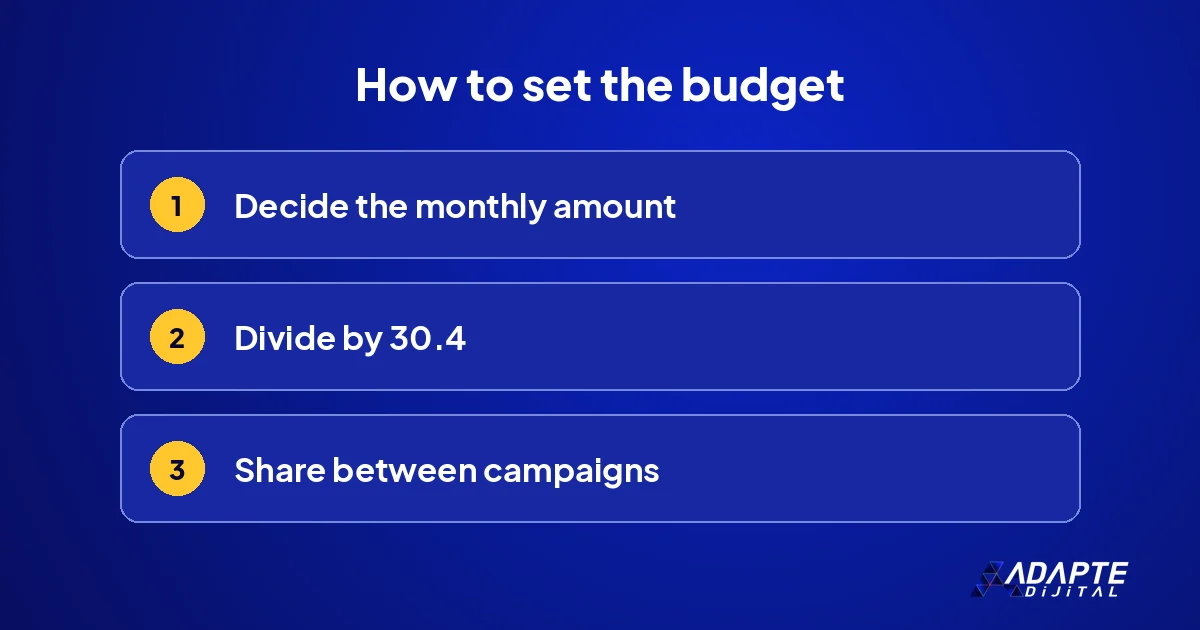
Work backwards from the monthly amount
Decide the amount you accept spending in a month and divide it by 30.4. In Google’s example, the daily budget for 304 dollars a month is 10 dollars. If you set aside 1,500 a month, the daily budget is about 49. That is how the daily figure is found, and it is the only figure you need to type in. 💡
Share it between campaigns
Each campaign has its own budget and each spends according to its own limit. If you have three campaigns, the monthly total is the sum of the three limits. How large the total should be for your market is discussed in how much Google Ads budget you need.
If you need a hard cap
If you must not exceed a set amount by a set date, Google offers the campaign total budget option. According to the help page, there are no daily spending limits with this option and you are never charged more than the total budget. It suits short campaigns with fixed dates, such as a promotion or an event. 🎯
How is spend monitored?
BU BÖLÜMÜN ÖZETİ
- The budget report
- Transaction history
- Tie the budget to results
Knowing the rule is not enough; you need to see where you are during the month. The interface provides a ready report for this, and looking once a week is sufficient.
The budget report
The tool Google recommends is the budget report: it shows the monthly spending limit, spend to date and the month-end forecast. The effect of past budget changes is on the same screen. Look at this report, not at the daily figure, when you want to know whether the month is on track. 📋
Transaction history
Adjustments and credits made because of overdelivery appear in the transaction history. The explanation for small differences between the invoice and the interface is usually here. When in doubt, checking this screen first gives a faster answer than contacting support.
Tie the budget to results
Spend means little on its own; it is read together with enquiries and cost per enquiry. A budget that stays within its limit but brings nothing is still too high. How bidding choices shape that cost is covered in Google Ads bidding strategies. 🚀
Quick Summary
- A campaign can spend up to twice the daily budget in one day.
- The monthly charge does not exceed 30.4 times the daily budget.
- Cost above the limit is not billed; the adjustment appears in transaction history.
- With an ad schedule, spend on the open days can rise.
- Set the budget by dividing the monthly amount by 30.4.
Short Glossary
- Average daily budget
- The amount you accept spending per day, on average, for a campaign.
- Overdelivery
- Spending above the daily budget on a busy day.
- Monthly spending limit
- The daily budget multiplied by 30.4; the most you pay in a month.
Frequently Asked Questions
Next Step
Divide the amount you set aside for the month by 30.4 and check it against your daily budget, then look at the month-end forecast in the budget report. If you use an ad schedule, apply the formula for few active days before changing anything.
Sources: Google Ads Help — Choose your bid and budget · Google Ads Help — About spending limits · Google Ads Help — Changes to Google Ads budget pacing for Ad Scheduling · Google Ads Help — About campaign total budgets
Updated: November 2026
Sık Sorulan Sorular
According to Google, because traffic fluctuates from day to day, a campaign may be allowed to spend more in one day than the average daily budget specifies; this is called overdelivery. The purpose is not to miss the day when demand is high, since a customer who searches on a busy day is as valuable as one who searches on a quiet day. 📈
With a fixed daily ceiling, the budget would run out at noon on busy days and money would be left over on quiet ones. The average system balances the two. It also means that judging the account by a single day is misleading; a week is the shortest period that tells you anything, and a month is the period the billing rule is actually built on. 🧭
In Google’s example, if your monthly spending limit is 304 dollars and 310 dollars of cost has accrued in the period, you are charged only 304. The difference appears as an adjustment on the transaction history page. The excess is not taken from you, so a day or a month that ran hot does not turn into a larger invoice.
According to Google, when the budget changes during the month, the monthly limit is calculated as the amount already spent plus the new daily budget multiplied by the number of remaining calendar days. The change does not erase the past; it only alters the calculation for the days that are left. ✍️
Moving the budget every other day makes the monthly calculation impossible to follow and unsettles automated bidding. Whether a larger budget actually brings more sales is discussed in will more budget mean more sales. Decide the amount once a month where you can, and leave it alone in between.
Spending up to twice the budget in a day is within the rule, not an error. The part above the monthly limit is not billed anyway and appears as an adjustment in transaction history.
There will; the rule is tied to the ratio, not to the amount. Whatever the daily budget, up to twice that can be spent in a day, and the monthly total does not exceed 30.4 times.
For campaigns that run between set dates there is the campaign total budget option; you are not charged more than the total amount.