
Preparing a WordPress Site for Agents: Abilities API, MCP Adapter and a Safe Setup
Preparing a WordPress site for agents means making a site’s content, forms and structured data readable to AI agents and weighing the platform’s new tools safely. WordPress is one of the large platforms taking steps at the core level on this. 🧩
This article covers why WordPress has an advantage, which foundation comes first, what the Abilities API and the MCP Adapter do, how security and maintenance work, and the common mistakes. The information was compiled from WordPress’s official developer resources on 12 November 2026.
Why is a WordPress site easier to prepare for agents?
BU BÖLÜMÜN ÖZETİ
- A common structure
- Abilities in core
- The plugin ecosystem
WordPress’s reach and plugin model make agent readiness easier than on many other platforms. Three reasons stand out.
A common structure
Most WordPress sites share a similar structure: posts, pages, categories, menus and plugins. That common structure means a solution built once can work on thousands of sites. For the same reason, guides and plugins written for WordPress offer many steps of agent readiness ready-made. If you are still choosing a platform, WordPress vs custom software lays out the trade-offs. 🏗️
Abilities in core
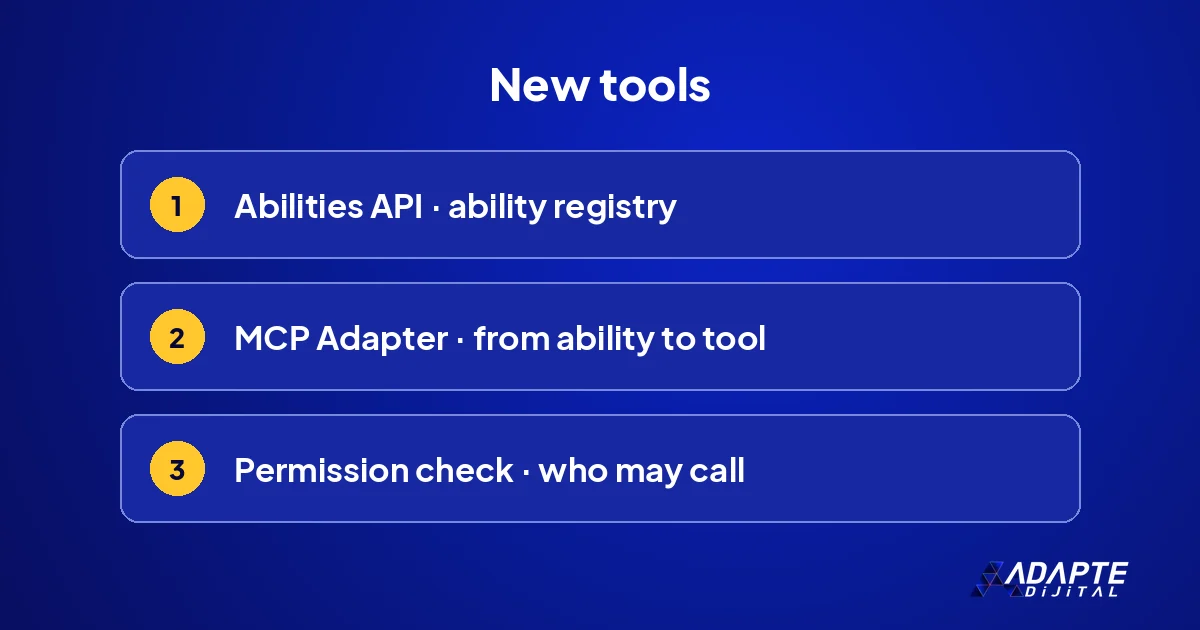
The Abilities API, which arrived in core with WordPress 6.9, offers a shared way to register what a site can do in a machine-readable form. According to the official documentation, this registry makes it easier for plugins, themes and external systems such as AI agents to understand a site’s capabilities. Defining abilities is the foundation of the tasks opened to agents. Without it, every integration starts from scratch.
The plugin ecosystem
Form, SEO and security plugins make many steps of agent readiness possible without writing code. But not every plugin takes the same care. The forms, markup and settings a plugin produces need to be checked with an agent test. When choosing a plugin, its update frequency and accessibility support are weighed as well, because both affect how agents experience the site. 🔌
Which foundation comes first?
BU BÖLÜMÜN ÖZETİ
- Theme and heading structure
- Form plugin settings
- Structured data plugin
Before any new tools, three foundations are put in order. Without them, the tool layer is built on a weak structure.
Theme and heading structure
The theme decides the heading order, the menu structure and how readable the text is. A theme that uses headings in a meaningful order and writes important information as text produces a site that reads well for agents. An image-heavy theme stays silent for agents when it buries information in pictures. An agent test is run before and after any theme change, so problems are caught early. 🎨
Form plugin settings
In the form plugin, every field should have a visible label, the right field type and a clear error message. Required fields are reduced, options are offered as lists, and a clear confirmation message is written for after submission. In most plugins, these settings need no code. The details are covered in designing forms for agents, and they apply to any form plugin.
Structured data plugin
SEO plugins generate basic structured data for the business, posts and pages automatically. Whether business-specific fields such as services, prices and opening hours are filled in correctly is checked separately. Default settings do not suit every business; the markup of a few pages is compared with the information on the page, and any difference is closed the same day. 🏷️
What do the Abilities API and the MCP Adapter do?
WordPress’s new tools for agents come in two parts. Together, they turn a site’s abilities into tools agents can call.
The MCP Adapter
The official MCP Adapter, announced on the WordPress Developer Blog in February 2026, turns abilities registered with the Abilities API into tools that MCP-compatible AI applications can use. The Adapter is installed as a separate plugin. Installing it does not open all of a site’s abilities on its own; which ability becomes a tool is the site owner’s decision, made one ability at a time.
How do security and maintenance work?
BU BÖLÜMÜN ÖZETİ
- User roles and permissions
- Updates and testing
- Logging and monitoring
A WordPress site opened to agents needs a security and maintenance routine more than ever. Three areas need regular attention.
User roles and permissions
WordPress user roles decide who can do what. Access given to agents or integrations is limited to the narrowest role that can do the required job. An integration running with administrator rights can turn a small mistake into a big problem. Access keys are renewed regularly, and unused ones are switched off rather than left in place. 🛡️
Updates and testing
Core, theme and plugin updates are tried in a test environment first; forms and abilities go live only after passing an agent test. Delaying updates is also a risk, because security fixes arrive late. The steps of regular upkeep are gathered in the WordPress maintenance checklist, which pairs well with the agent tests described here.
Logging and monitoring
Which abilities agents and integrations call, how often, and which requests are refused is kept on record. A tool without logs goes unnoticed when it is misused. A sudden spike or an unexpected call is examined the same day, and if needed, the ability is switched off temporarily until the cause is clear. 📈
What mistakes are common?
BU BÖLÜMÜN ÖZETİ
- Opening everything
- Trying without a test environment
- Not following releases
On WordPress, mistakes in agent readiness usually come from haste and from trusting plugins too much.
Opening everything
Opening every ability to agents in one go with a new plugin can look tempting. But every ability opened is another door. The number of open doors should not exceed the number of jobs you need done. Start with a few low-risk abilities and widen the scope in a controlled way as results are monitored and the logs are read. 🚪
Trying without a test environment
Trying a new ability or MCP connection directly on the live site puts real customer data at risk. A test environment is an essential part of agent readiness. Many hosting services offer a staging copy; the trial happens there, the result is written down, and only then is the change moved to the live site.
Not following releases
The Abilities API and related tools evolve with WordPress releases; with WordPress 7.0, abilities can also be registered on the client side. A site that does not follow release notes can miss a new security setting or a change in behaviour. A short scan once a quarter reduces that risk and keeps the site guide current. 📰
How does Adapte Digital prepare a WordPress site for agents?
BU BÖLÜMÜN ÖZETİ
- A single delivery package
- What is delivered
- Where to start
We start from the foundation: the theme, forms and structured data are fixed, the Abilities API and the MCP Adapter are evaluated in a test environment, and everything is handed over with a decision note.
A single delivery package
Adapte Digital does not charge a monthly management fee. Work starts with a single delivery package whose scope is written down in advance: 36,000 TRY + VAT. If the work grows, the new need is defined as a separate add-on package, priced by what will be delivered rather than by the hours spent. 📦
What is delivered
The output is corrected form and structured data settings, a list of abilities that could be opened, a roles and permissions note and a test environment trial report. Our wider approach is described in WordPress consulting.
Where to start
Our current packages and capacity are listed on our campaign pages; scope and price are written there before any work starts. 🧭
To turn this topic into a business of your own, start with our article on building a WooCommerce agent plugin.
Quick Summary
- Preparing a WordPress site for agents starts with fixing content, forms and structured data.
- The Abilities API, added in WordPress 6.9, registers a site’s abilities in machine-readable form.
- The official MCP Adapter turns those abilities into tools MCP-compatible applications can use.
- Access for agents is limited to the narrowest role, and everything is tried in a test environment first.
- Opening everything and not following releases are common mistakes.
Short Glossary
- Abilities API
- An interface added to WordPress core in 6.9 that registers what a site can do in machine-readable form.
- MCP Adapter
- An official WordPress plugin that turns Abilities API abilities into tools for MCP-compatible AI applications.
- Test environment
- A copy of the live site where changes are tried first.
Frequently Asked Questions
Next Step
Check your WordPress version and your form plugin’s settings, and note whether every field has a visible label. Our campaign pages list the delivery packages that cover this work.
Sources: WordPress Developer Resources — Abilities API · Make WordPress Core — Abilities API in WordPress 6.9 · WordPress Developer Blog — Introducing the WordPress MCP Adapter
Updated: November 2026
Sık Sorulan Sorular
In the Abilities API, an ability describes a single thing a site can do: its name, its description, the inputs it expects and the output it returns are set out in a schema. WordPress 6.9 shipped with a few basic abilities in core, and plugins and themes can add their own. Every ability has a permission check; who may call it is decided in code, not left to chance. ⚙️
The first abilities to open are low-risk information tasks: the list of services, opening hours, availability. Tasks such as changing content, accessing user data or placing orders are limited to authorised users and human approval. Every ability that is opened is written into the access policy, so it is always clear what is open and why. That record also makes reviews quick. 🔐
Not on its own. Which ability is offered as a tool, and who may call it, is decided by the site owner and the developer.
Yes. The Abilities API is part of core in WordPress 6.9 and later; it is not available in older versions.
Most of the basic steps, yes: theme, form plugin and SEO plugin settings need no code. Defining abilities usually needs developer support.