
How Do You Set a Google Ads Ad Schedule? What Hours Should Your Ads Run?

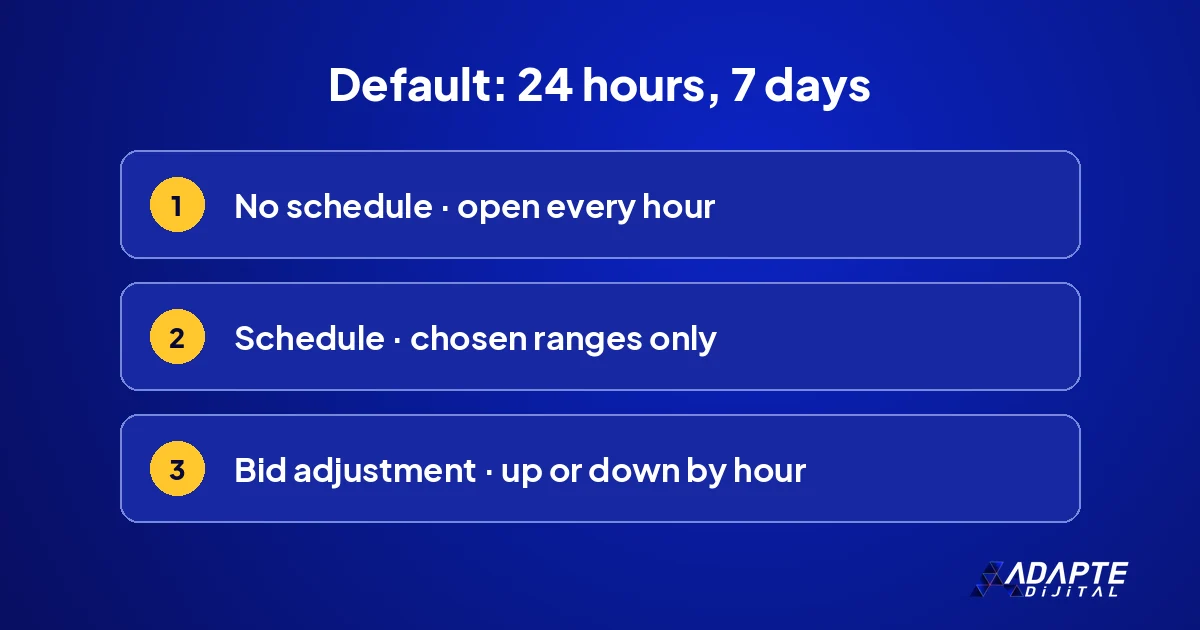
A Google Ads ad schedule is the campaign setting that decides on which days of the week and at which hours of the day your ads are shown. According to Google’s documentation, a campaign runs at all times unless a custom schedule is entered. So if you have never touched the setting, your ad is also working at three in the morning. 🕒
This guide explains where the setting lives, what data the choice of hours should rest on, and the three mistakes small businesses fall into most often. The aim is not to cut advertising but to gather the budget into the hours when someone actually answers the phone or processes the order.
What is an ad schedule and what is it for?
Every business receives demand at different hours. A locksmith is called at night, an accounting office during working hours. The ad schedule is the setting that fits advertising to that rhythm.
How do you decide which hours to run?
BU BÖLÜMÜN ÖZETİ
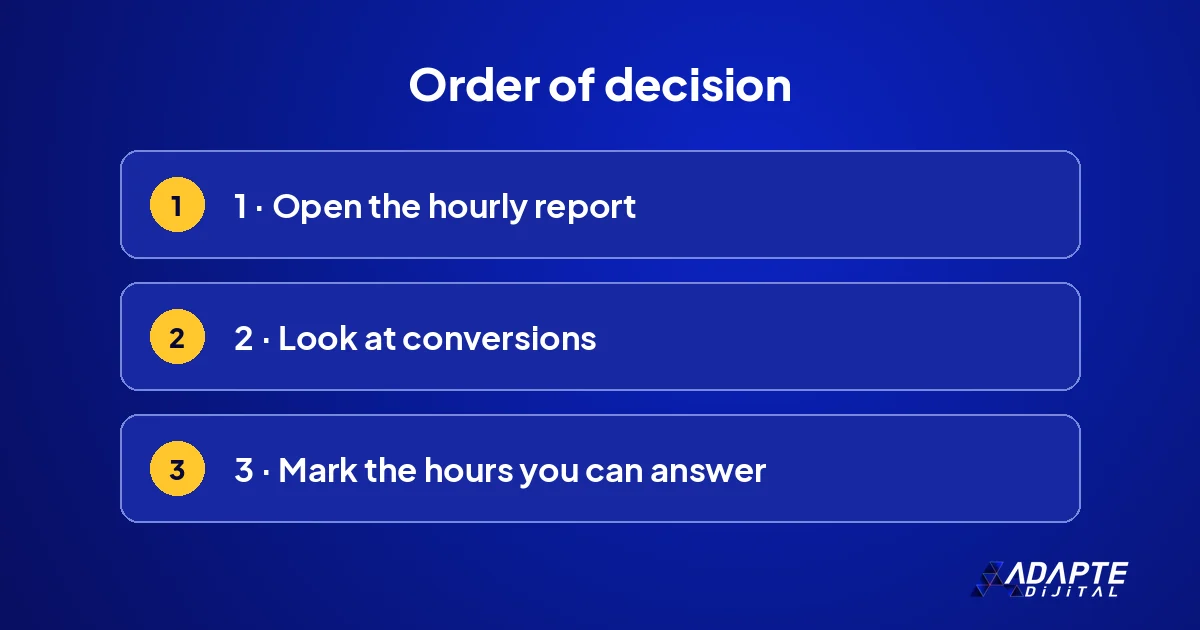
- Data first: the day and hour report
- Look at conversions, not clicks
- The hours when you can answer
The decision is not made on instinct. The account’s own data already says which hours bring enquiries. In a new account, data is collected first and the schedule comes afterwards.
Data first: the day and hour report
When you open the day and hour breakdown in a campaign, you see in which slots clicks arrive and in which slots conversions arrive. Reading this report is the shortest way to see where the budget flows. Look at at least a few weeks of data, and keep the view on conversions rather than impressions when you compare one slot with another.
Look at conversions, not clicks
An hour with many clicks is not necessarily a good hour. Night clicks are cheap but may not turn into enquiries. The yardstick should be cost per enquiry. That requires measurement to be set up correctly; the steps are in Google Ads conversion tracking setup. 🎯
The hours when you can answer
The second yardstick is operations: is there someone to pick up the phone or reply to a message at that hour? For a business that lives on calls, gathering ads into the hours when you can answer makes sense. For a site that takes forms or orders the situation is different, because the customer can complete the action at night.
How is an ad schedule set up, step by step?
The setup takes a few minutes. Google’s guide to creating a Search campaign lists it among the campaign settings. The hard part is not the setup but choosing the right range.
Entering days and time ranges
You can define one or more ranges for each day: for example weekdays 08:30 to 19:00 and Saturday 09:00 to 14:00. For gaps such as a lunch break, the day can be split into two parts. In the hours you do not define, the ad is not shown, so check the finished table once before saving it.
Adding a bid adjustment
Instead of switching ads off, you can lower or raise the bid in certain hours. In campaigns with manual bidding this adjustment works directly. With automated bidding strategies the behaviour may differ, so confirm it for the strategy you use in Google Ads Help. How the strategies themselves behave is explained in Google Ads bidding strategies. 📈
What are the most common mistakes?
BU BÖLÜMÜN ÖZETİ
- Cutting hours without data
- Squeezing ads into office hours
- Setting it and forgetting it
Because the setting looks simple, it is left unchecked. Three mistakes keep appearing in small-budget accounts. All three can be fixed in a few minutes once you know where to look.
Cutting hours without data
Narrowing the hours on the first day of a new campaign also cuts off the data the system needs to learn from. Run wide first and narrow down once data has built up. An hour closed on a guess may be the hour that brought the cheapest enquiries, and you will never see that in a report you prevented from filling. 🧪
Squeezing ads into office hours
Customers do not search according to the business’s working day. In many sectors research happens in the evening and the call comes the next day. Limiting ads to 09:00 to 18:00 leaves the customer who researches in the evening to a competitor. Evening demand can still be captured with a form or a messaging button.
Setting it and forgetting it
The rhythm of demand changes with the season, the campaign and the holidays. A schedule built last summer may not be right this winter. Looking at the hourly report again every three months is enough. Check separately for public holidays, school terms and sale weeks, when habits shift for a short time. 🔁
What kind of schedule suits which business?
BU BÖLÜMÜN ÖZETİ
- Services that win work by phone
- E-commerce sites
- Corporate and B2B sales
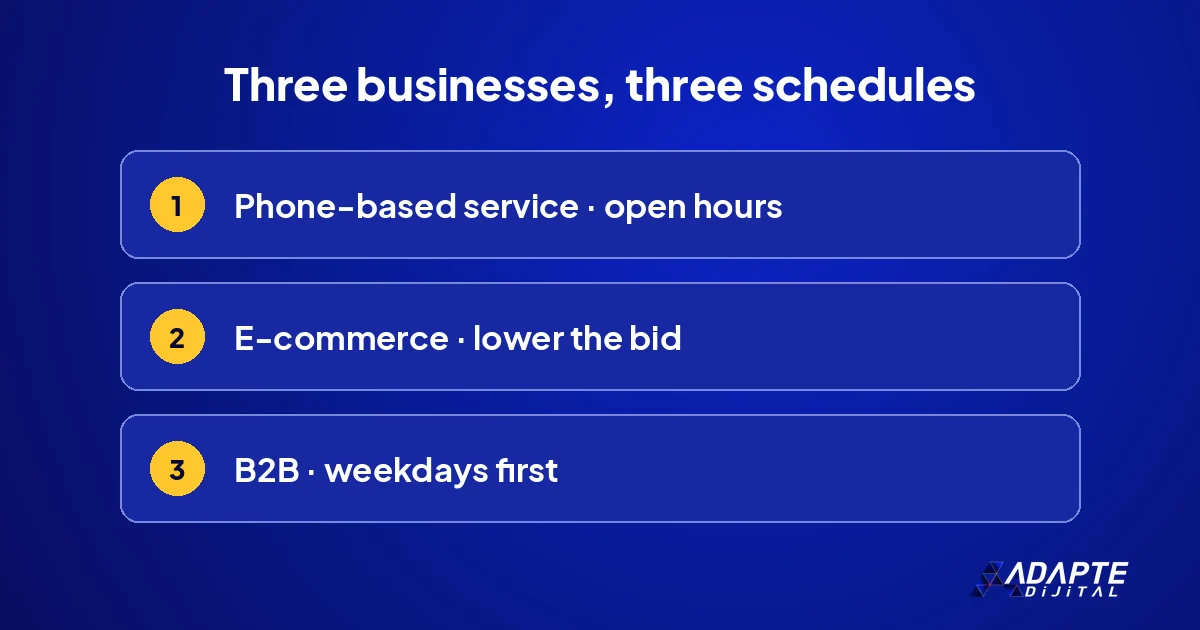
There is no single correct schedule; the type of work decides. The three examples below are starting points, to be confirmed against your own data before you rely on them.
Services that win work by phone
For plumbers, repair services and clinics that win work through calls, ads are gathered into the hours when the phone is answered. If you offer an emergency service, night hours are valuable and the bid can be raised. Using it together with location settings improves efficiency; the detail is in Google Ads local campaigns. 📞
E-commerce sites
Because orders can be taken at any hour, switching ads off is usually unnecessary. Instead, the bid is reduced in the hours when conversion is low. In many stores the slot before the shipping cut-off is the most productive range; check it in your own report rather than assuming it applies to your products and your customers.
Corporate and B2B sales
Decision makers search and fill in forms during working hours. Weekend clicks are generally for research. Here weekday working hours and the period just after them are brought forward, and the weekend is left open with a lower bid. Closing it completely also loses the person who searches for your brand by name. 🏢
How do you measure whether the schedule works?
BU BÖLÜMÜN ÖZETİ
- The comparison period
- Three numbers to watch
- The next step
Making another change before looking at the result hides what actually worked. A simple before-and-after comparison is enough, as long as the two periods are chosen with care.
The comparison period
Put two periods of equal length side by side, one before the change and one after. Wait at least two weeks, because a single day’s fluctuation misleads. Choose periods that contain the same days: if the number of weekends differs, the comparison breaks and you will draw the wrong conclusion from honest numbers. 📆
Three numbers to watch
Total number of enquiries, cost per enquiry and the number of unanswered calls. The first two come from the interface and the third from your phone records. If enquiries stayed the same and cost fell, the schedule is working. If enquiries also fell, you have cut too much and should reopen some hours.
The next step
Once the hourly schedule has settled, the same logic is applied to day, device and location. The budget question comes back at that point, because hours that work deserve more money than hours that do not. For sizing it, see how much Google Ads budget you need. 🚀
Quick Summary
- Without a schedule a campaign runs twenty-four hours, seven days a week.
- The setting is at campaign level and works in the account’s time zone.
- Decide from conversions in the hourly report, not from clicks.
- Lowering the bid is often safer than switching ads off.
- Review the schedule every three months.
Short Glossary
- Ad schedule
- The campaign setting that defines the days and time ranges in which ads are shown.
- Bid adjustment
- Raising or lowering the bid by a percentage for a given hour, device or location.
- Cost per enquiry
- Spend divided by the number of calls and forms received.
Frequently Asked Questions
Next Step
Open the day and hour report in your account and look at the conversions of the last four weeks. Mark the hours when you can answer, compare them with the hours that bring enquiries, and change one thing at a time so you can see what the change did.
Sources: Google Ads Help — Create a Search campaign · Google Developers — Campaign targeting: ad schedules
Updated: November 2026
Sık Sorulan Sorular
According to Google’s developer documentation, a campaign runs at all times by default. If you have not added a custom schedule, it is open seven days a week, twenty-four hours a day. That is not wrong in itself, but a click that arrives when nobody answers is a prospect left without a reply. Demand that is paid for but not met is the most expensive kind. 💸
A schedule defines two things: the days and time ranges in which the ad is shown and, if you wish, how much the bid rises or falls in that range. In Google’s own example, a multiplier of 1.1 is used for Saturday between 07:00 and 11:00, which means a ten percent higher bid during those hours and nothing else changes.
The schedule works in the account’s time zone, not in the visitor’s. For an account opened in the country it advertises in, this causes no trouble. For an exporter advertising abroad, the time difference must be included in the plan. This distinction is the most common reason campaigns end up running at the wrong hours without anyone noticing. 🌍
An ad schedule is a campaign-level setting; there is no separate schedule for an ad group or a keyword. It is entered while creating the campaign or later from the campaign settings. Each campaign has its own schedule, so changing one does not affect the others, and two campaigns for two services can run on different hours. ⚙️
The daily budget stays the same; only the timing of the spend changes. If no conversions arrive at night, closing those hours makes sense; if they do, closing loses demand. The hourly report decides.
In Search campaigns the setting is among the campaign settings. Coverage may differ in other campaign types; check the type you use in Google Ads Help.
No. Run wide for a few weeks first and collect data. Once you can see which hours bring enquiries, build the schedule on that data.